
Step 1: Open More
- On the Sales screen
- Click More (bottom-right corner)
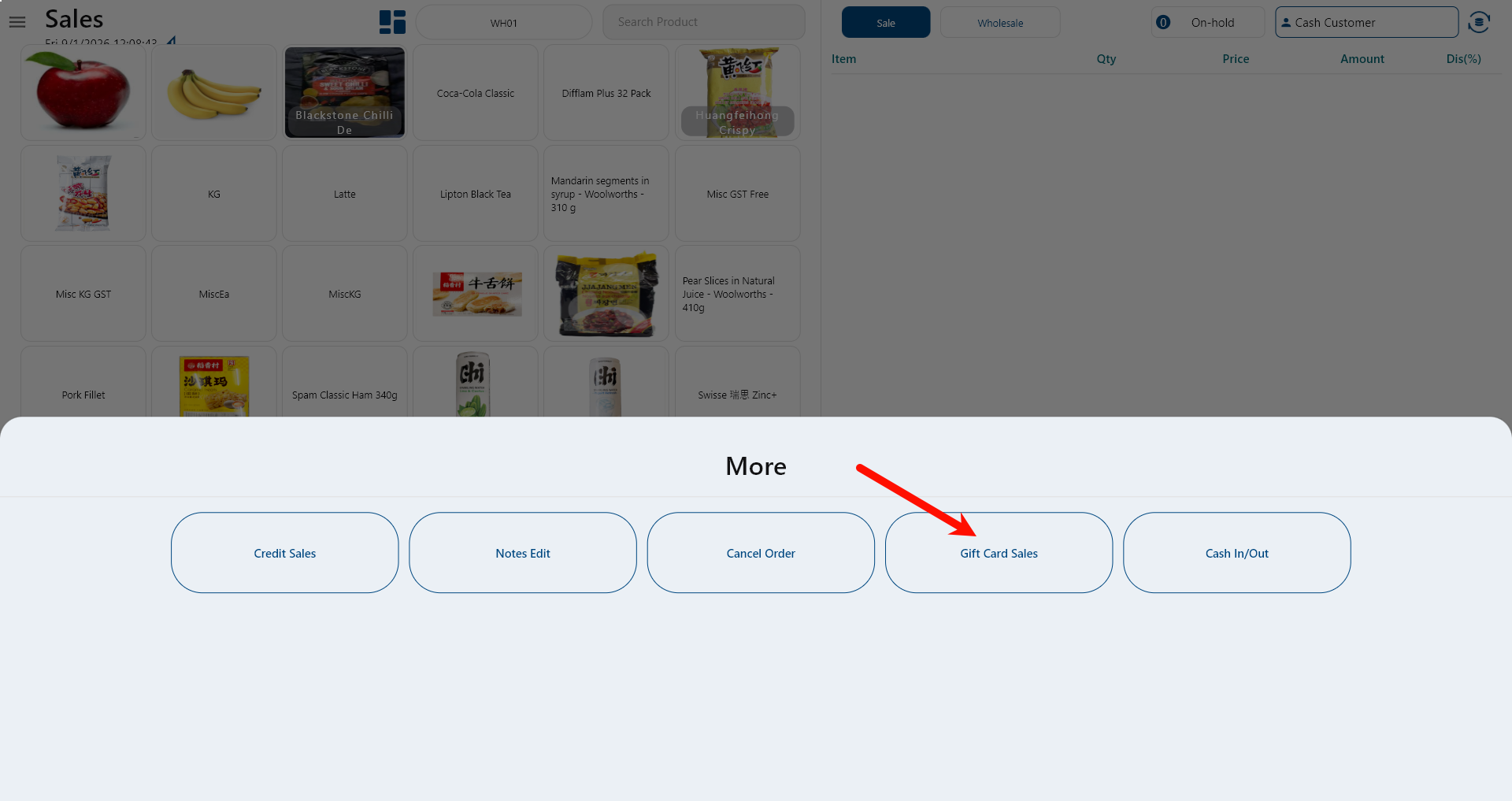
Step 2: Select Gift Card Sales
- In the More menu
- Click Gift Card Sales
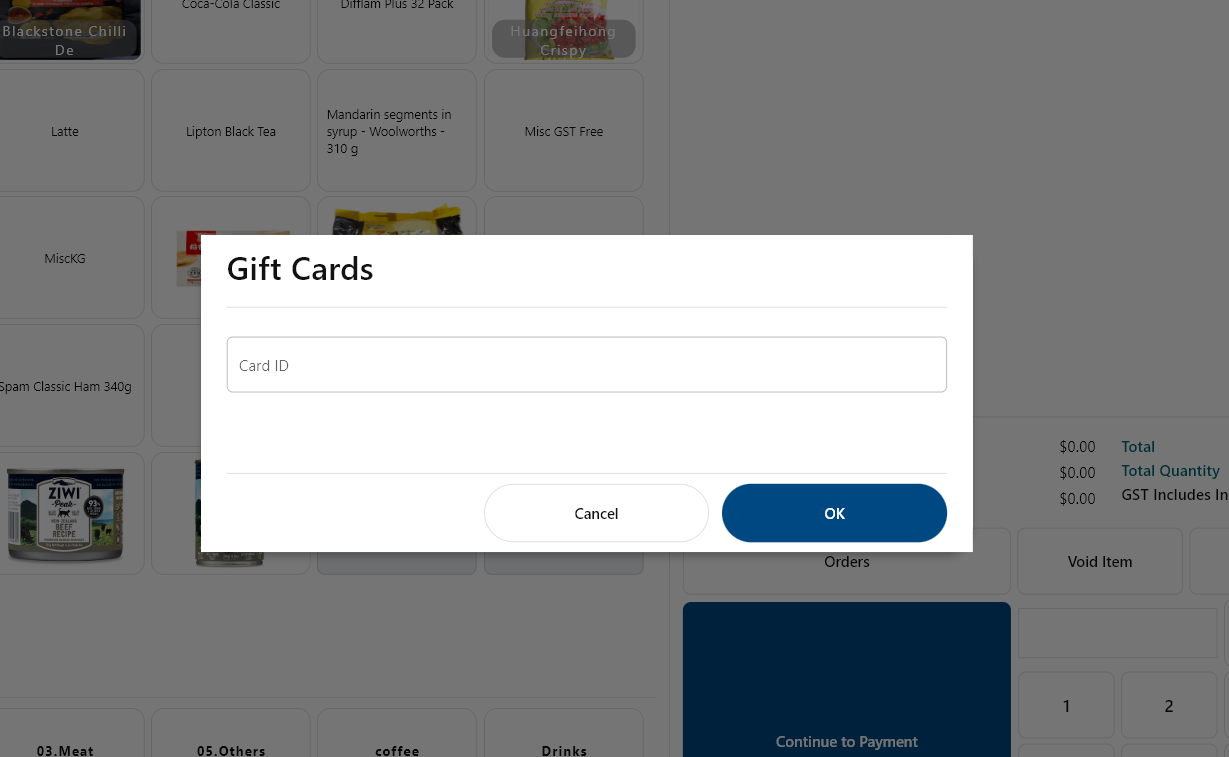
Step 3: Enter Gift Card Number
- The Gift Cards dialog appears
- Enter the Card ID (manual input or scan)
- Click OK
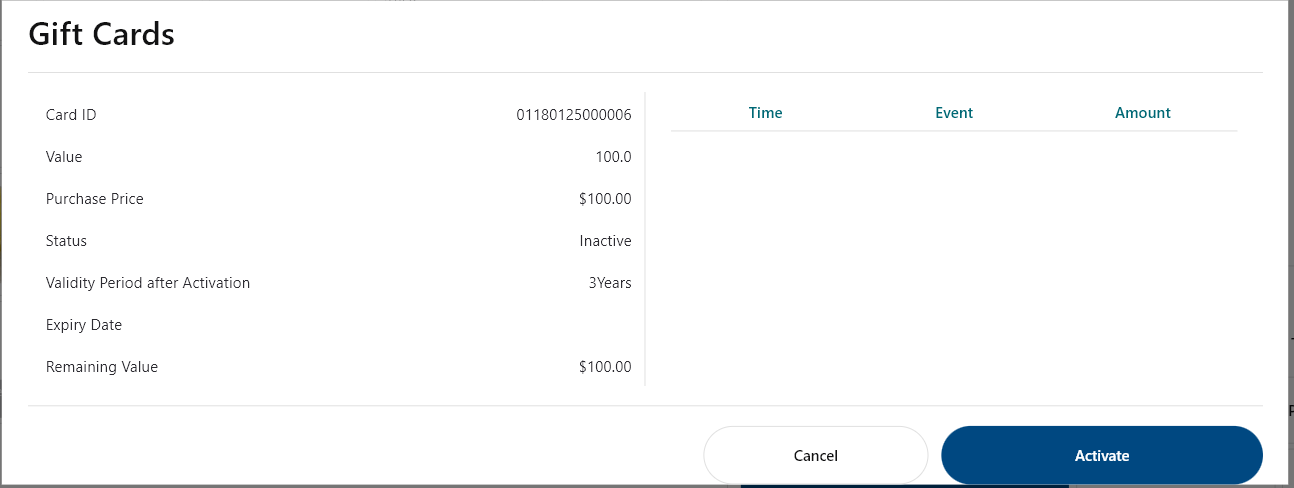
Step 4: Activate the Gift Card
- Gift Card details are displayed:
- Card ID
- Value
- Purchase Price
- Status: Inactive
- Click Activate
Step 5: Complete the Sale
- System redirects to the Payment screen
- Amount Due = Gift Card value
- Select payment method (EFTPOS / Credit / Cash, etc.)
- Complete payment
Result
- Gift Card status becomes Active
- Remaining value equals the card value
- Gift Card is ready for use
