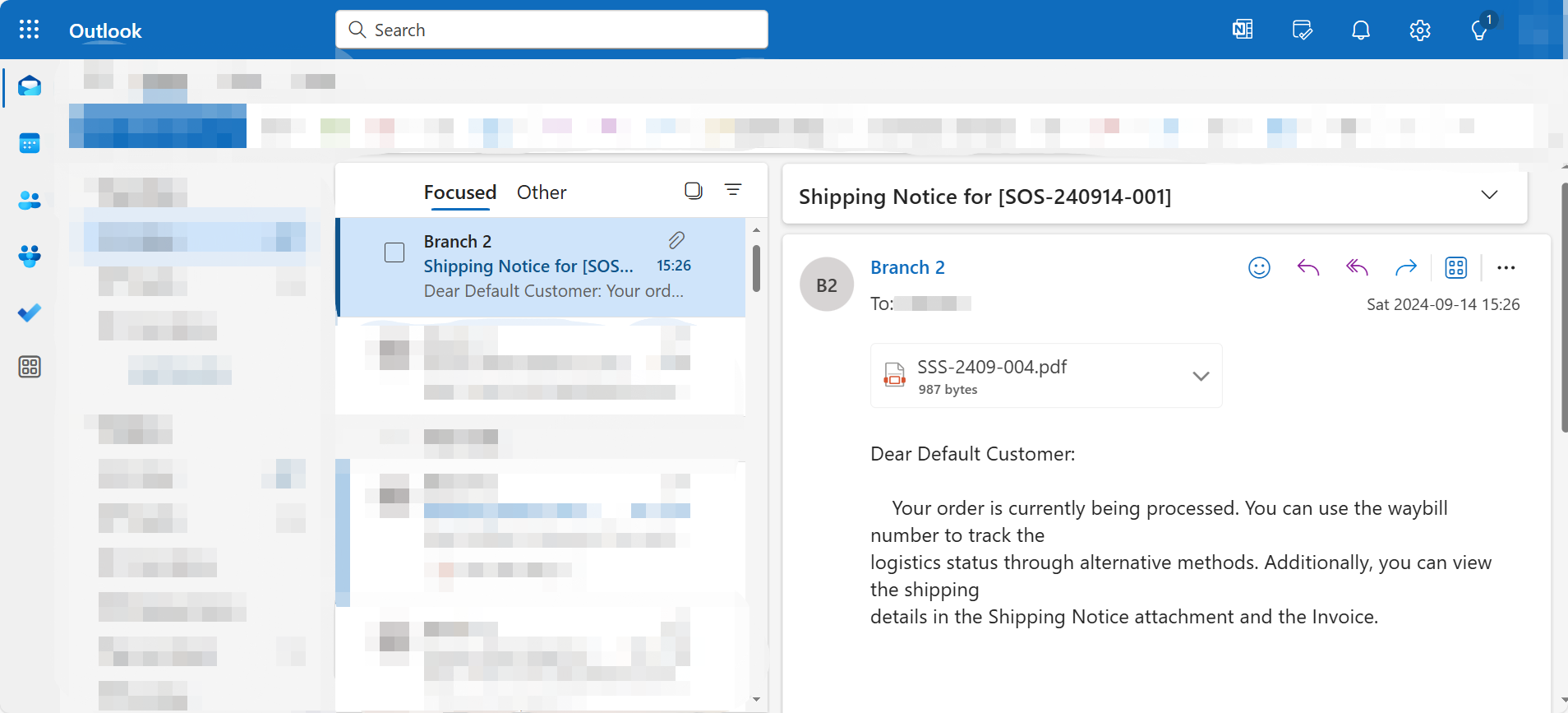
Enable auto-email Delivery Orders
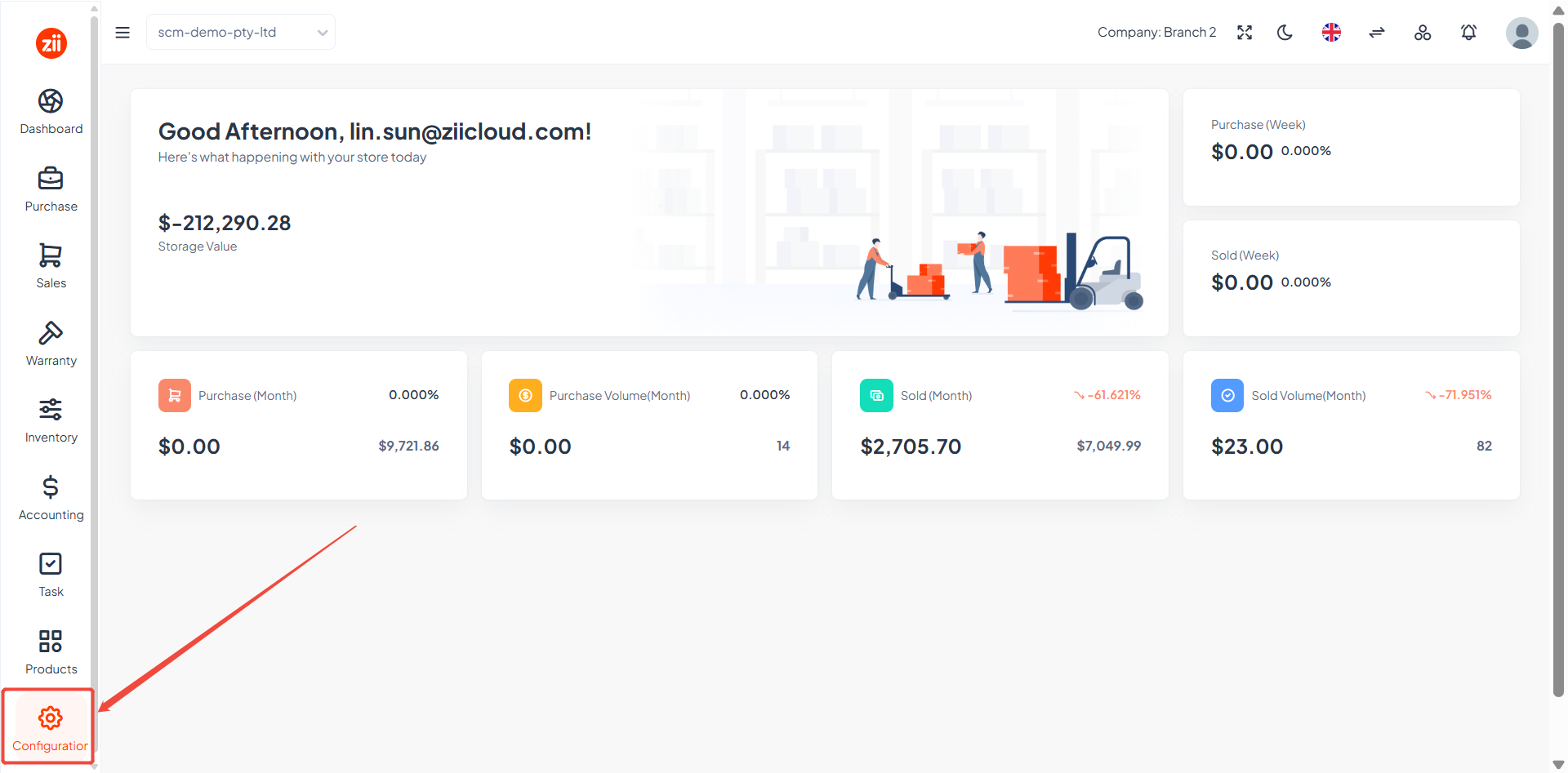
Go to “Configuration”.
Go to “General Settings”.
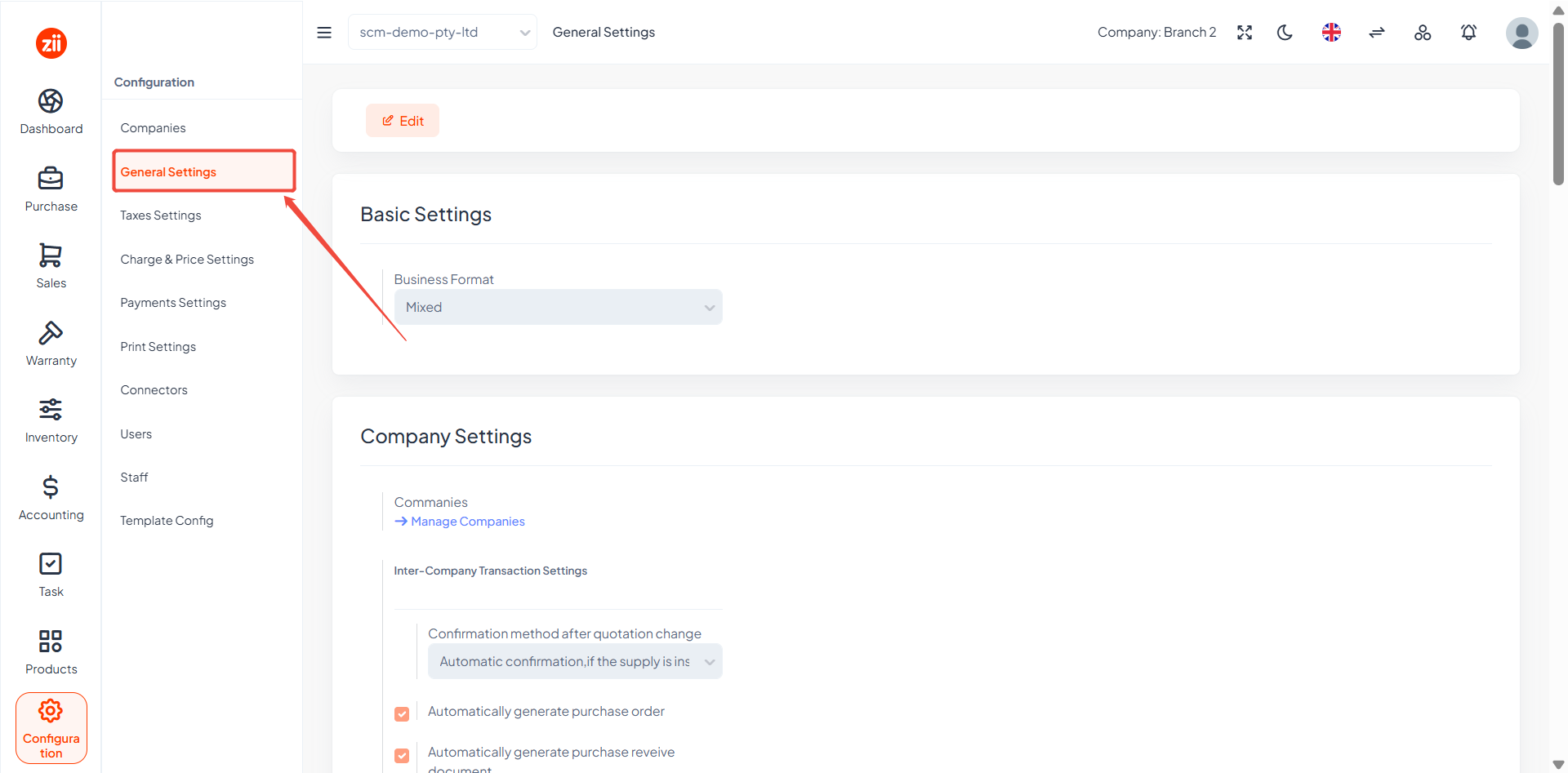
Tick “Enable automatic shipping emails” and click “Save”.

Configure the email address
Go to “Customers” under “Sales”.

Click “Edit” of the customer.

Enter an email address under “Address Info” and click “Save”.

Then an email attached with the delivery order PDF file will be sent to this email after being approved.