
You may go to portal to edit your menu.
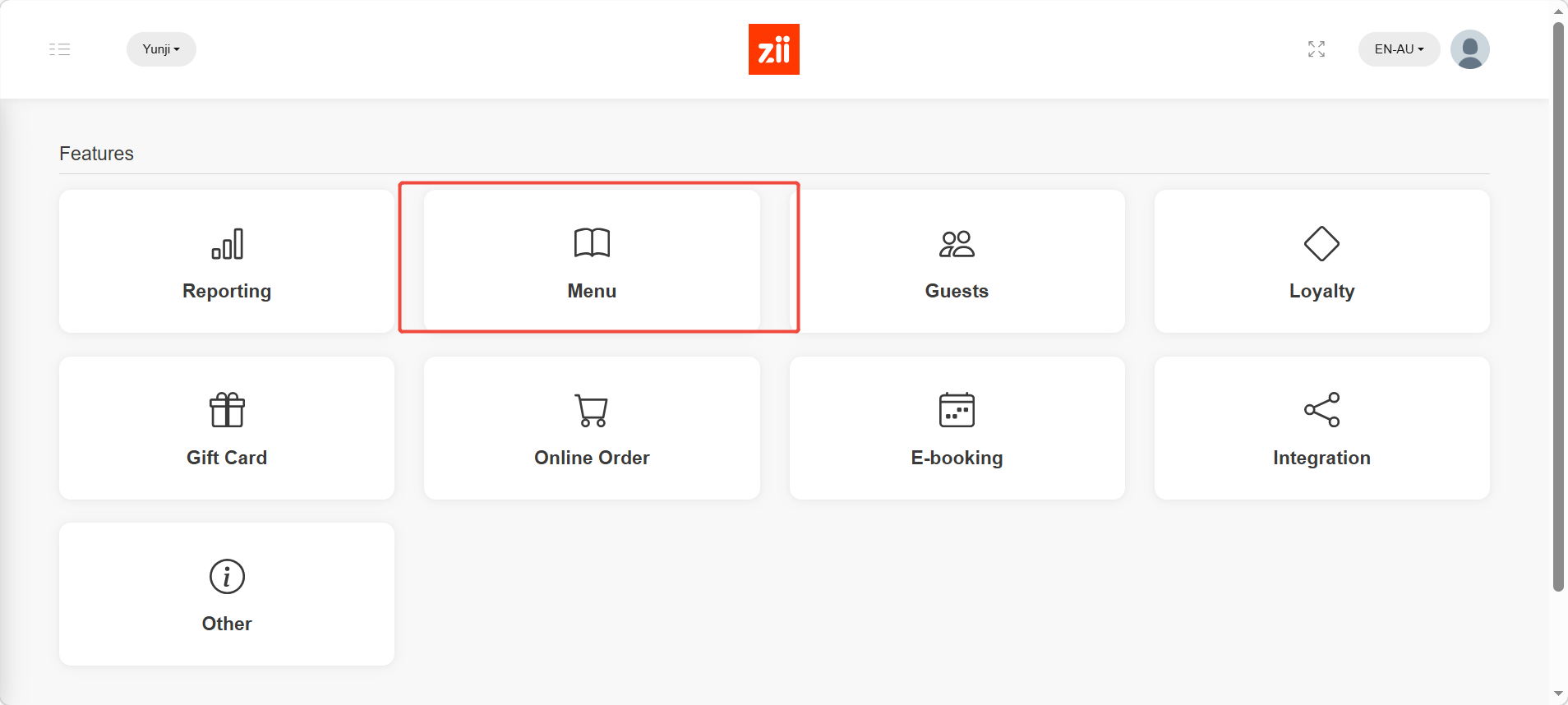
Click “Menu”.
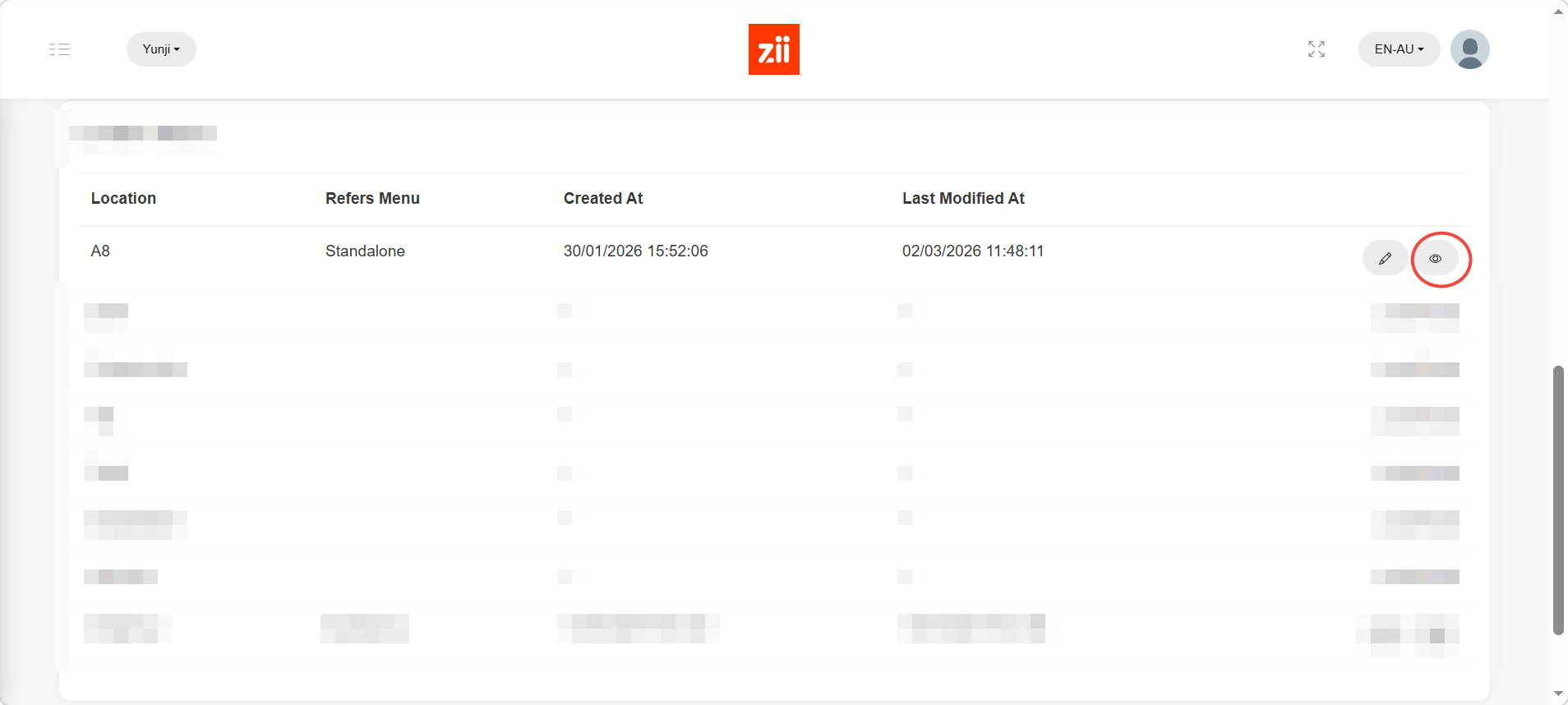
Click eye icon to edit menu.
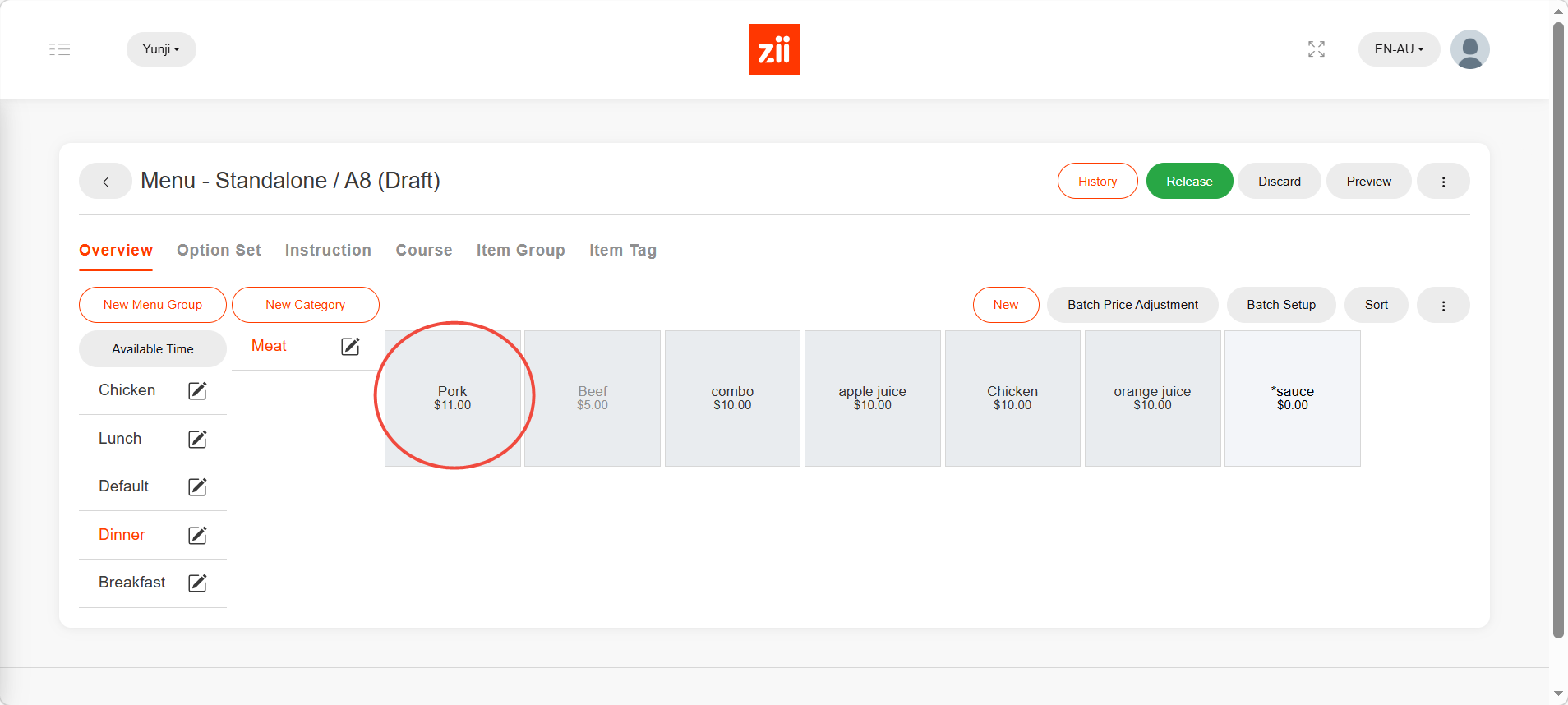
Click the item that you would like to add prices to.
Click “+” button in green under “Price”.
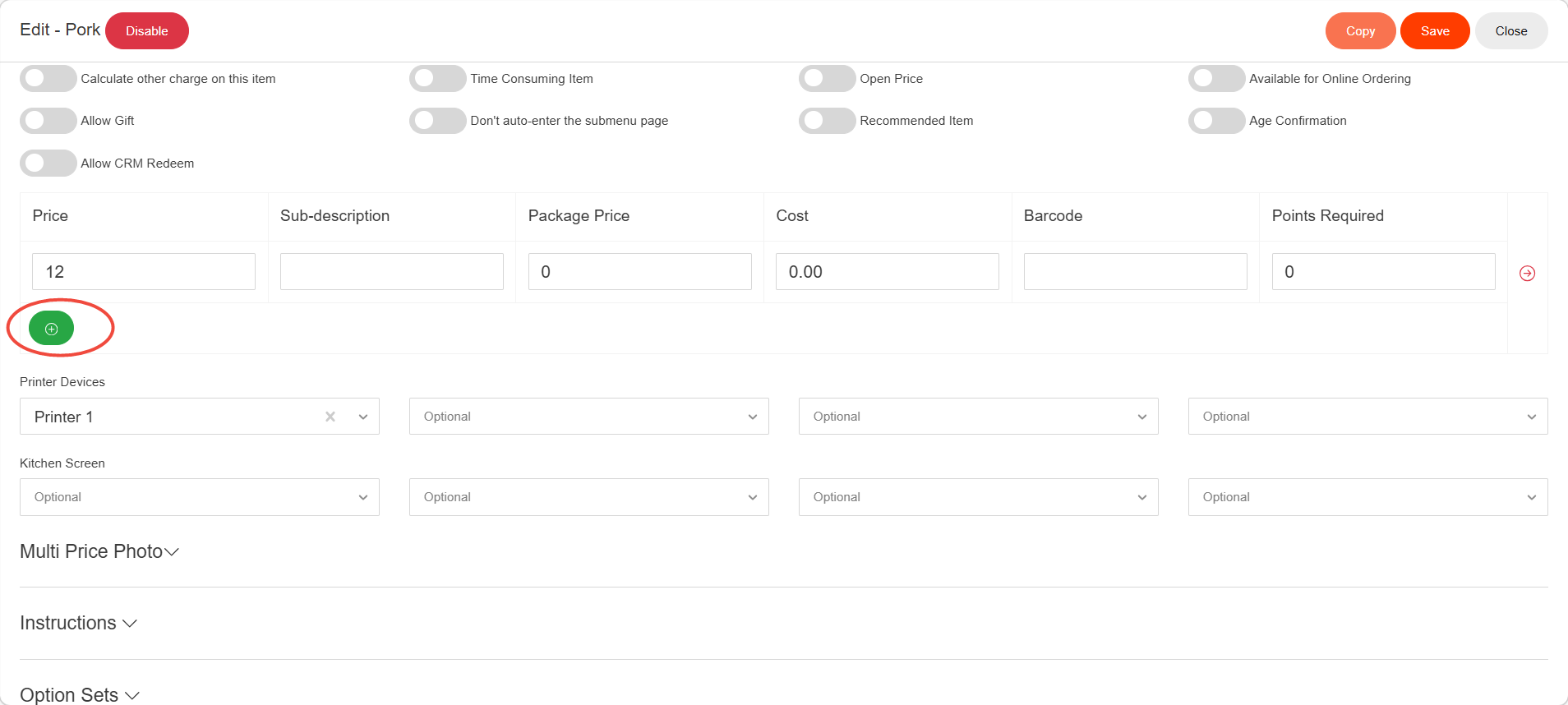
Up to four prices can be added to an item.
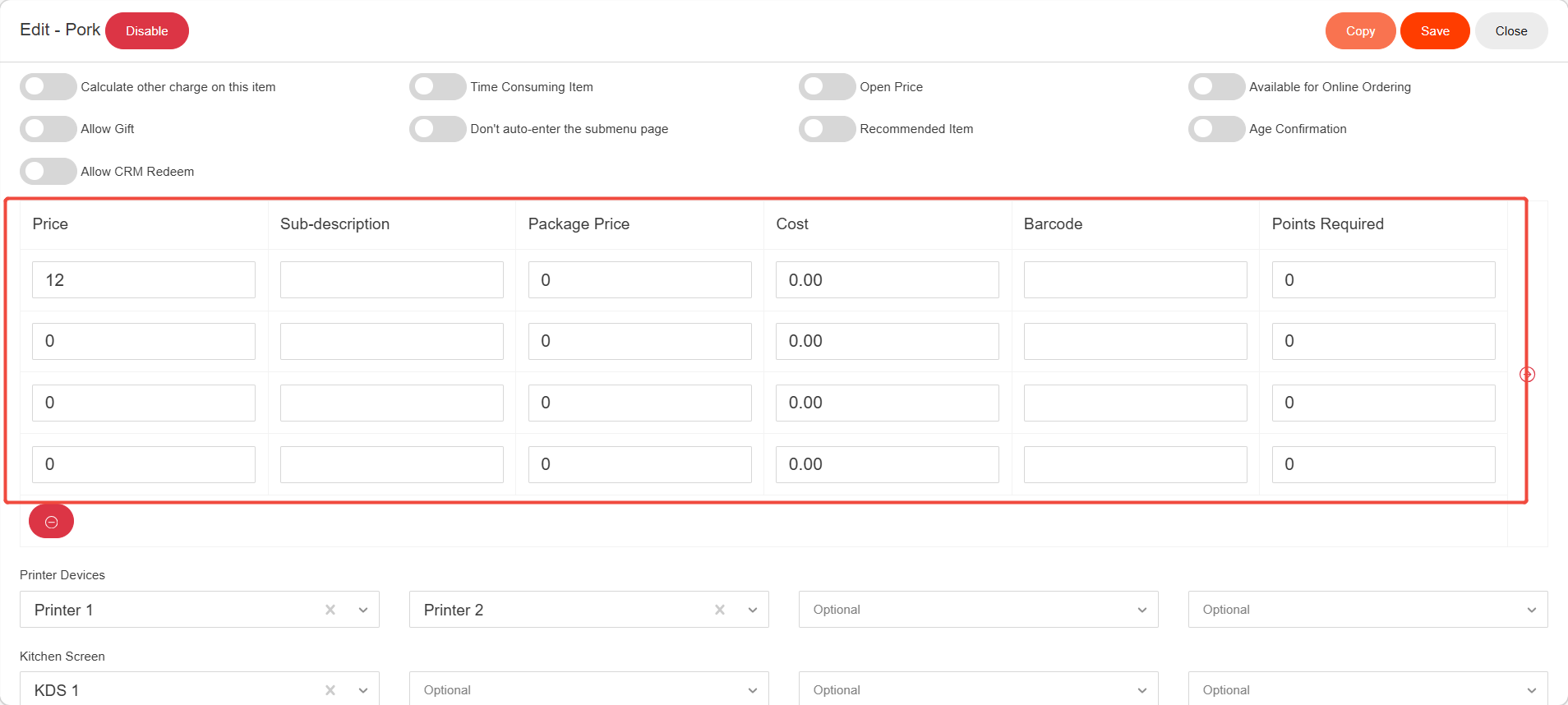
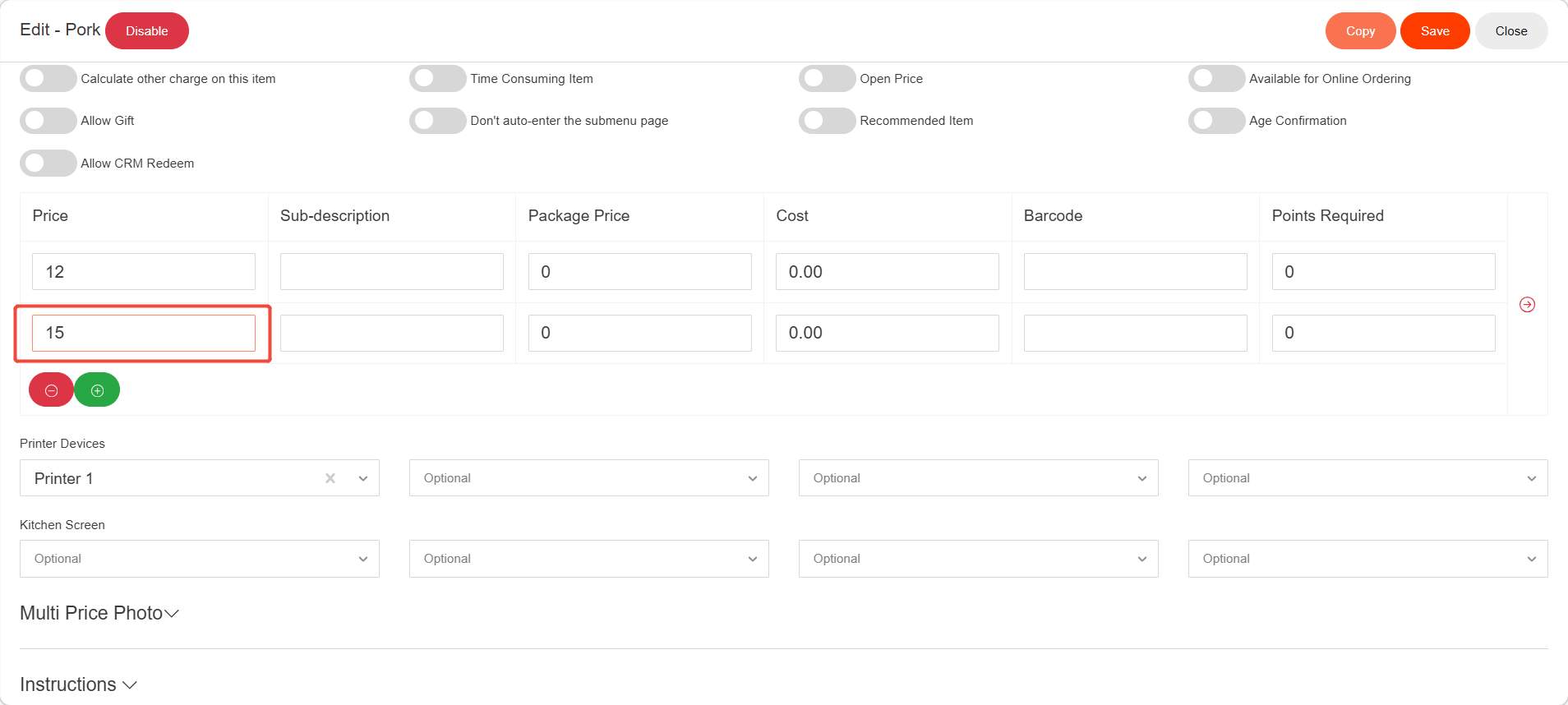
Enter the price.
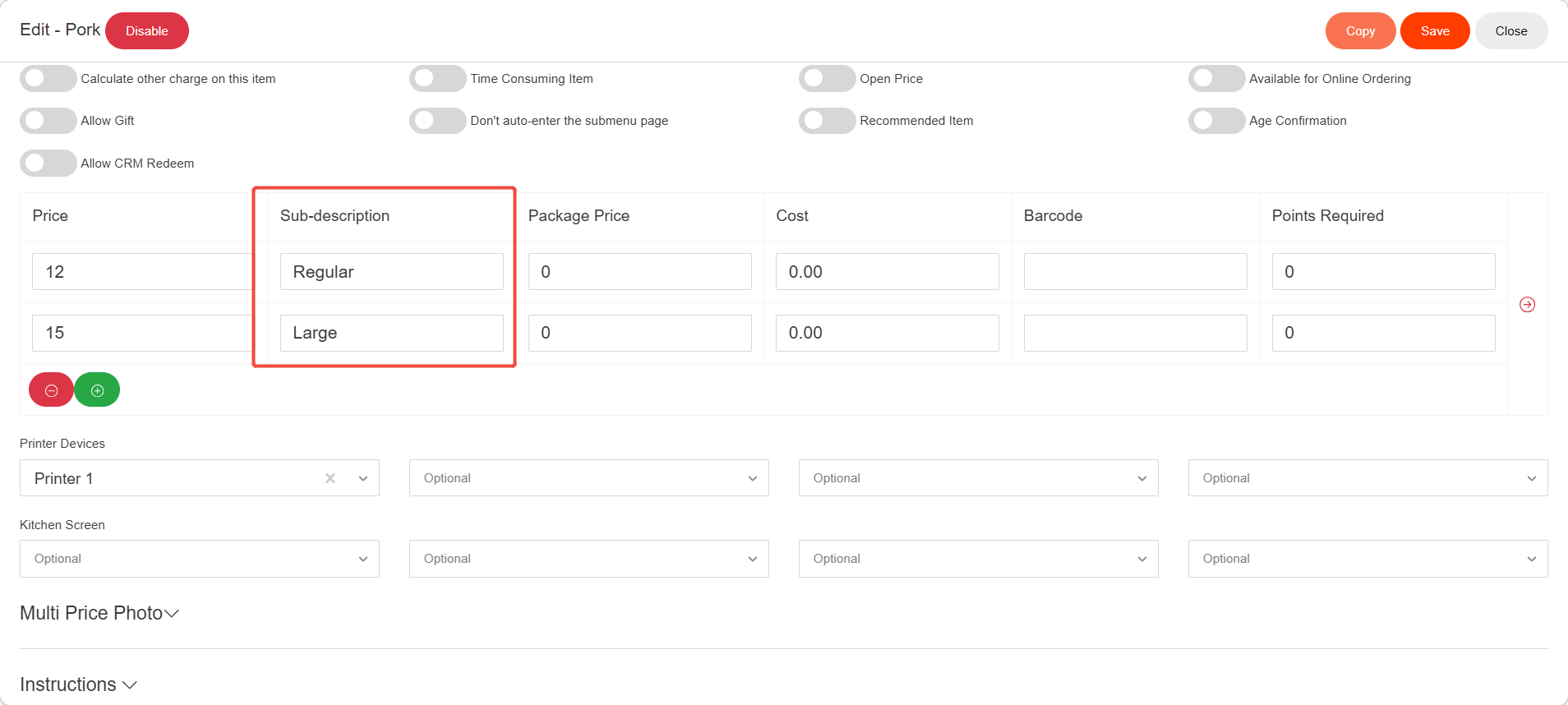
Enter the pirce’s description. (No more than 10 letters)
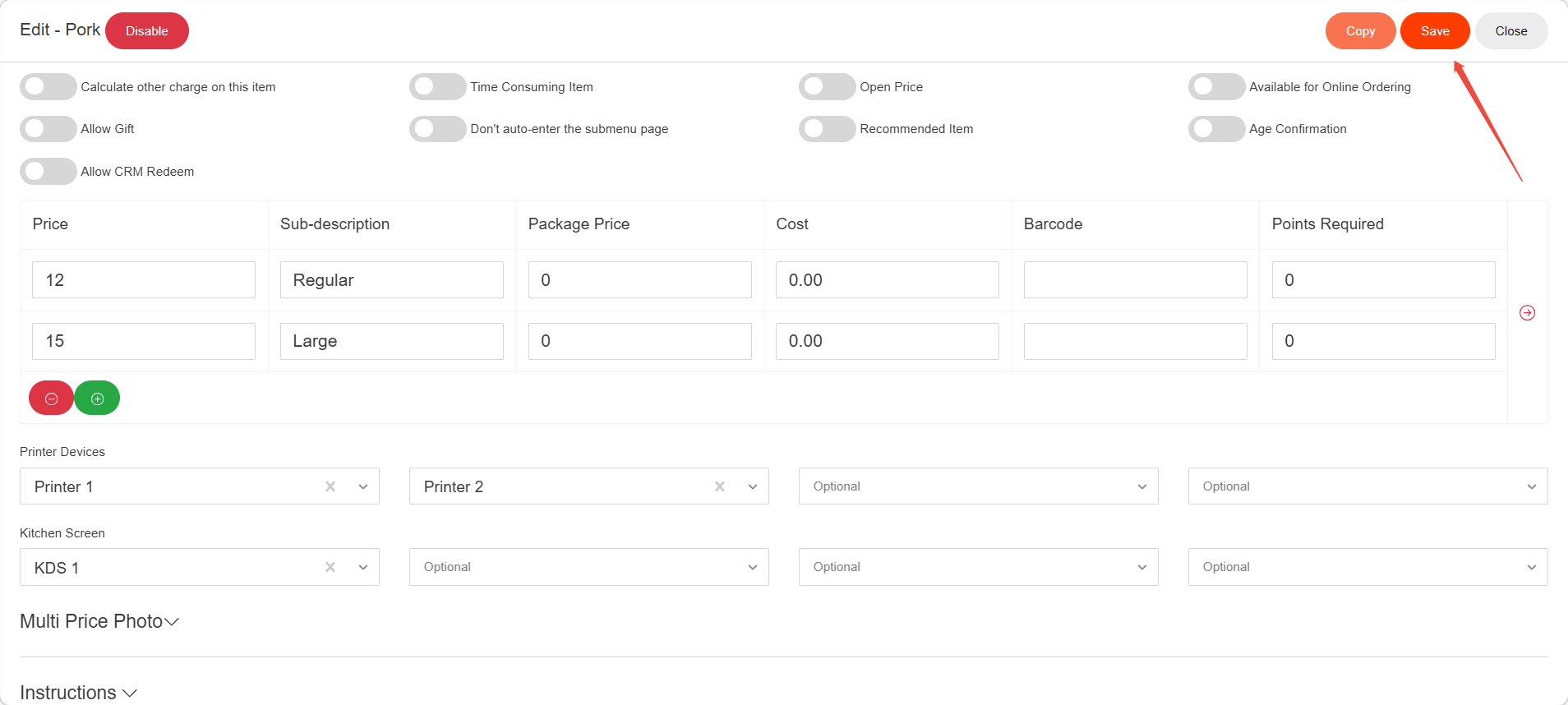
Click “Save”.
Don’t forget to release the menu after all editings are done.
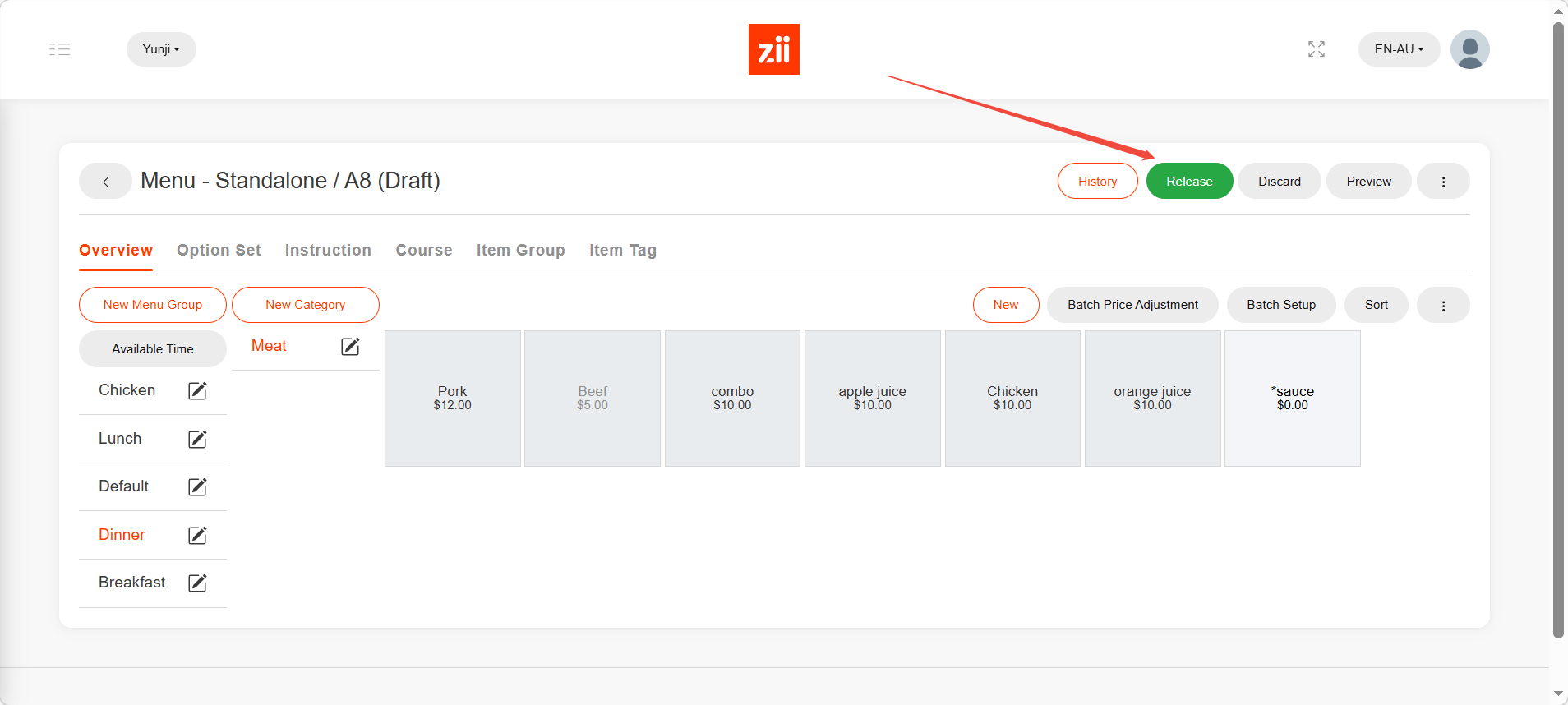
Then after about 5mins, changes to your menu will be uploaded to ZiiPOS.
