With Huepay integrated, ZiiPOS supports WeChat Pay and Alipay.
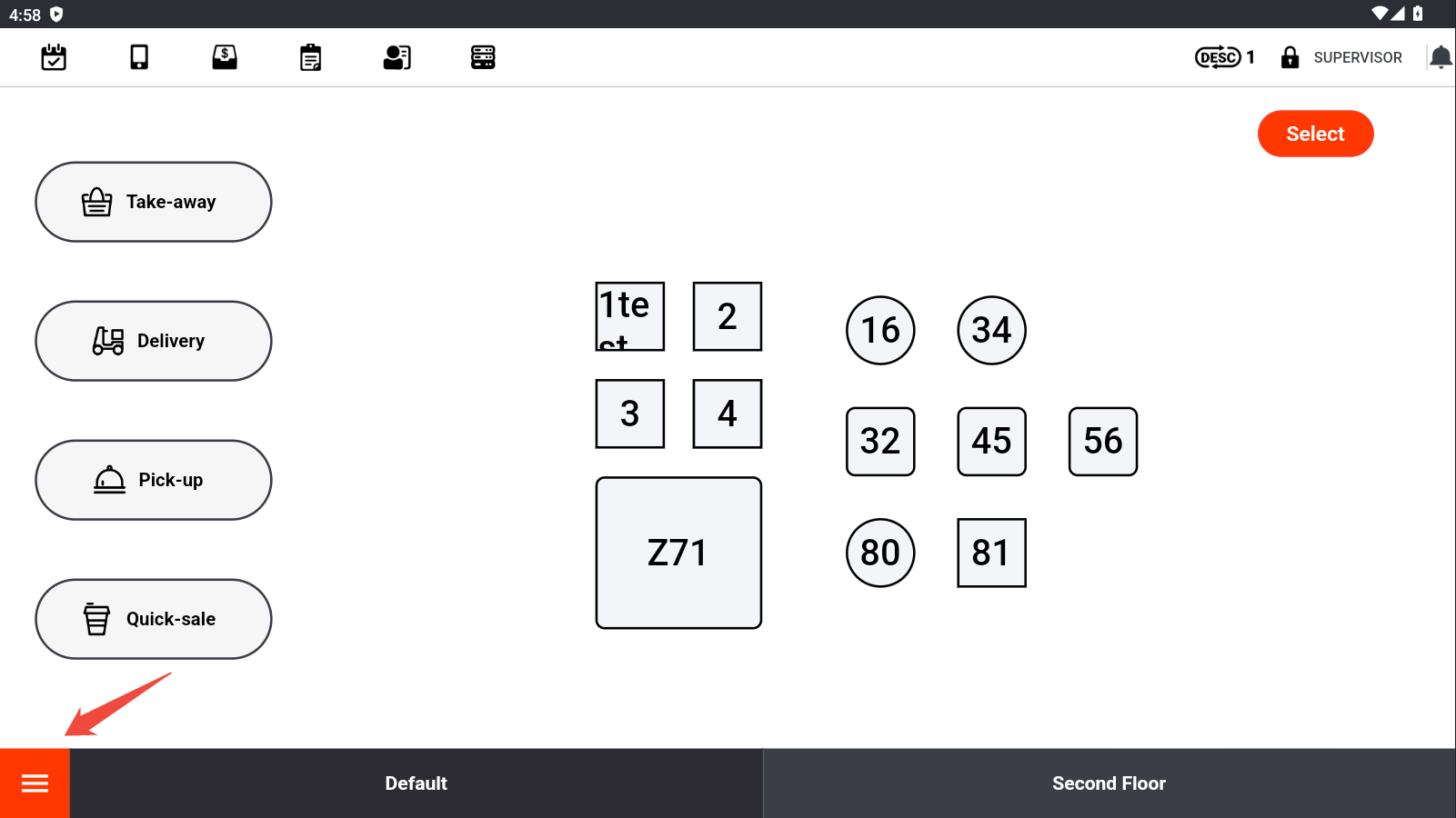
Go to ZiiPOS and click the button in the lower left corner.
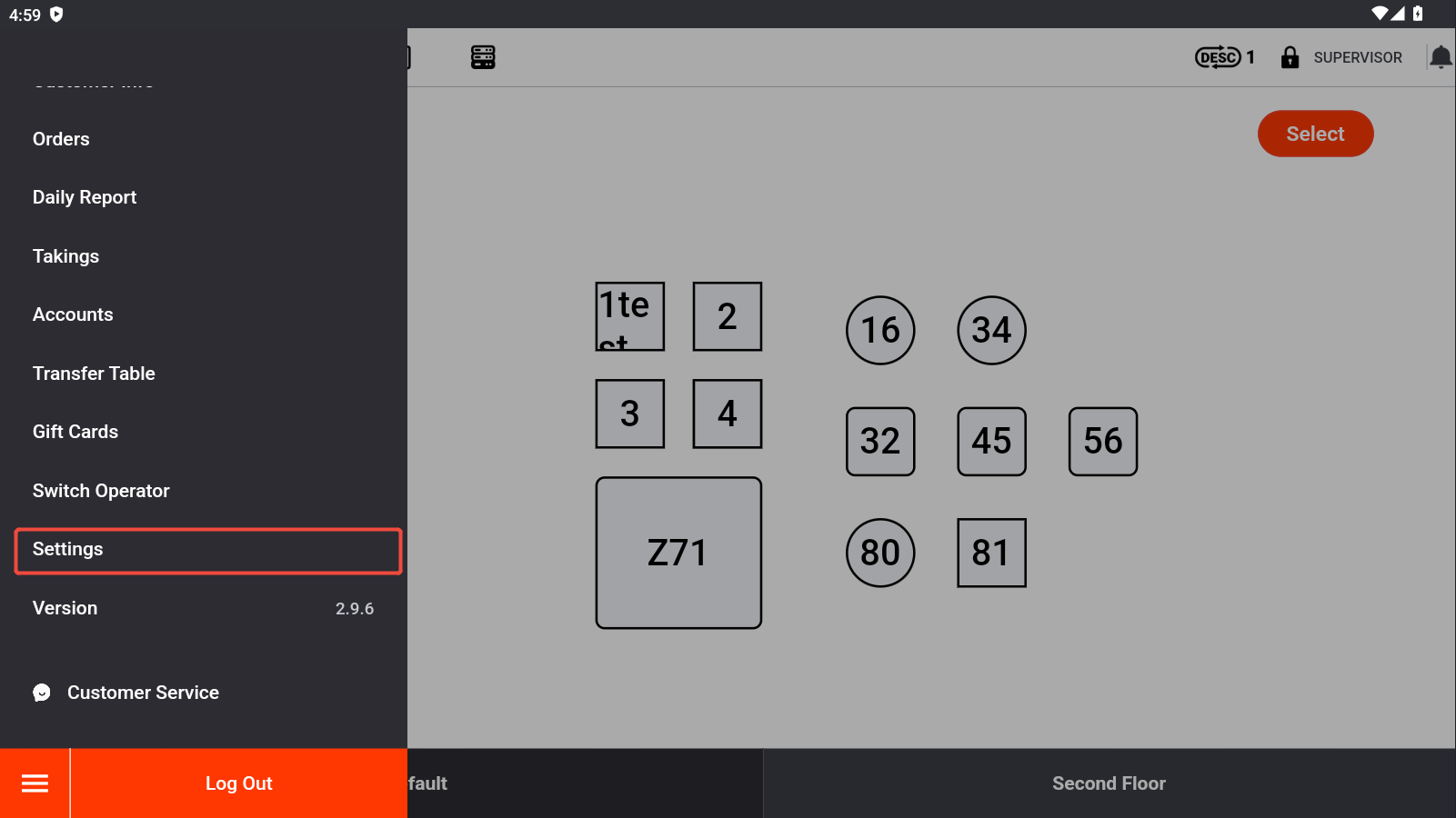
Go to “Settings”.
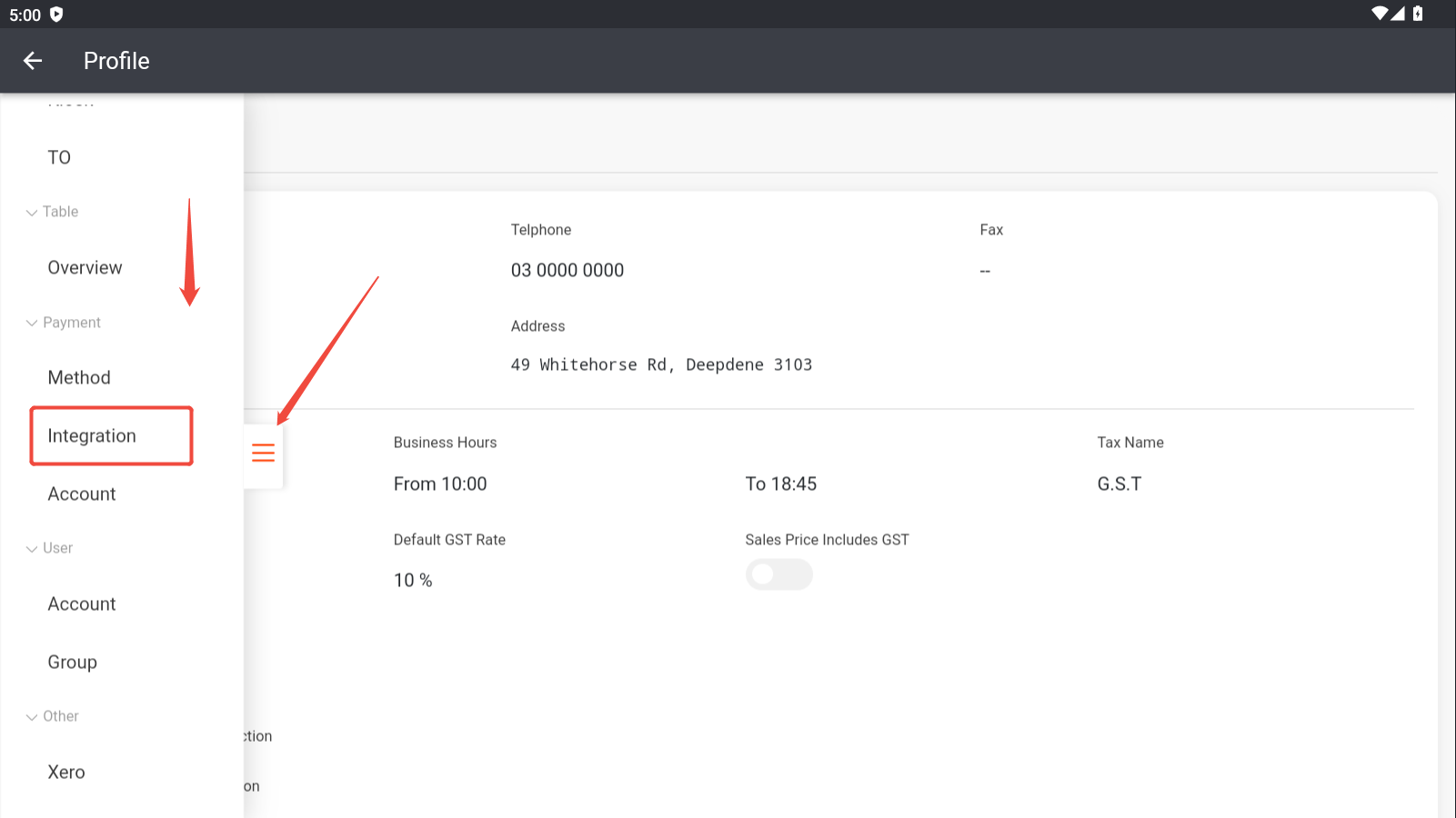
Click the button on the middle left edge and scroll down, then you’ll be able to find “Integration”.
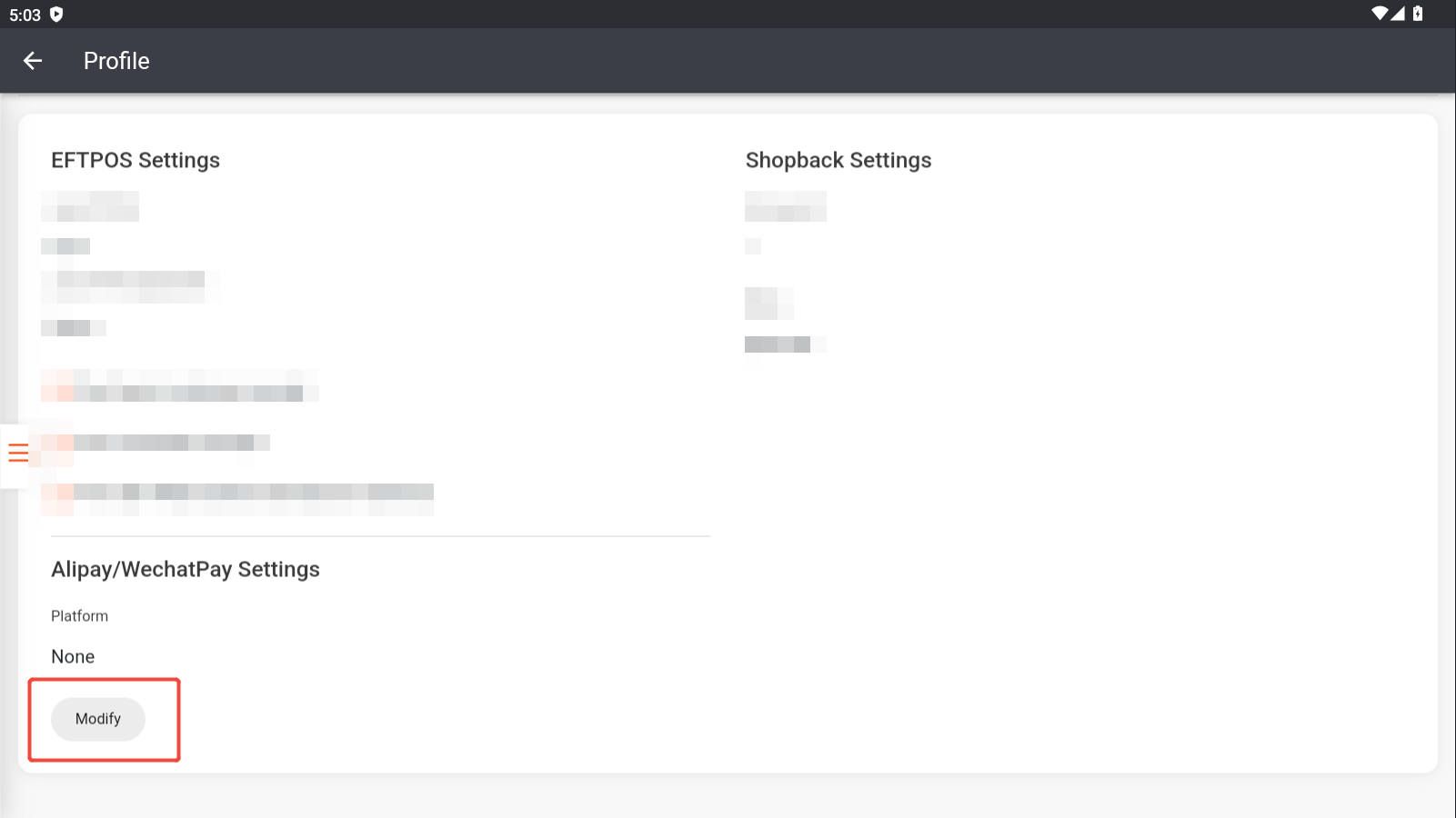
Click “Modify”.
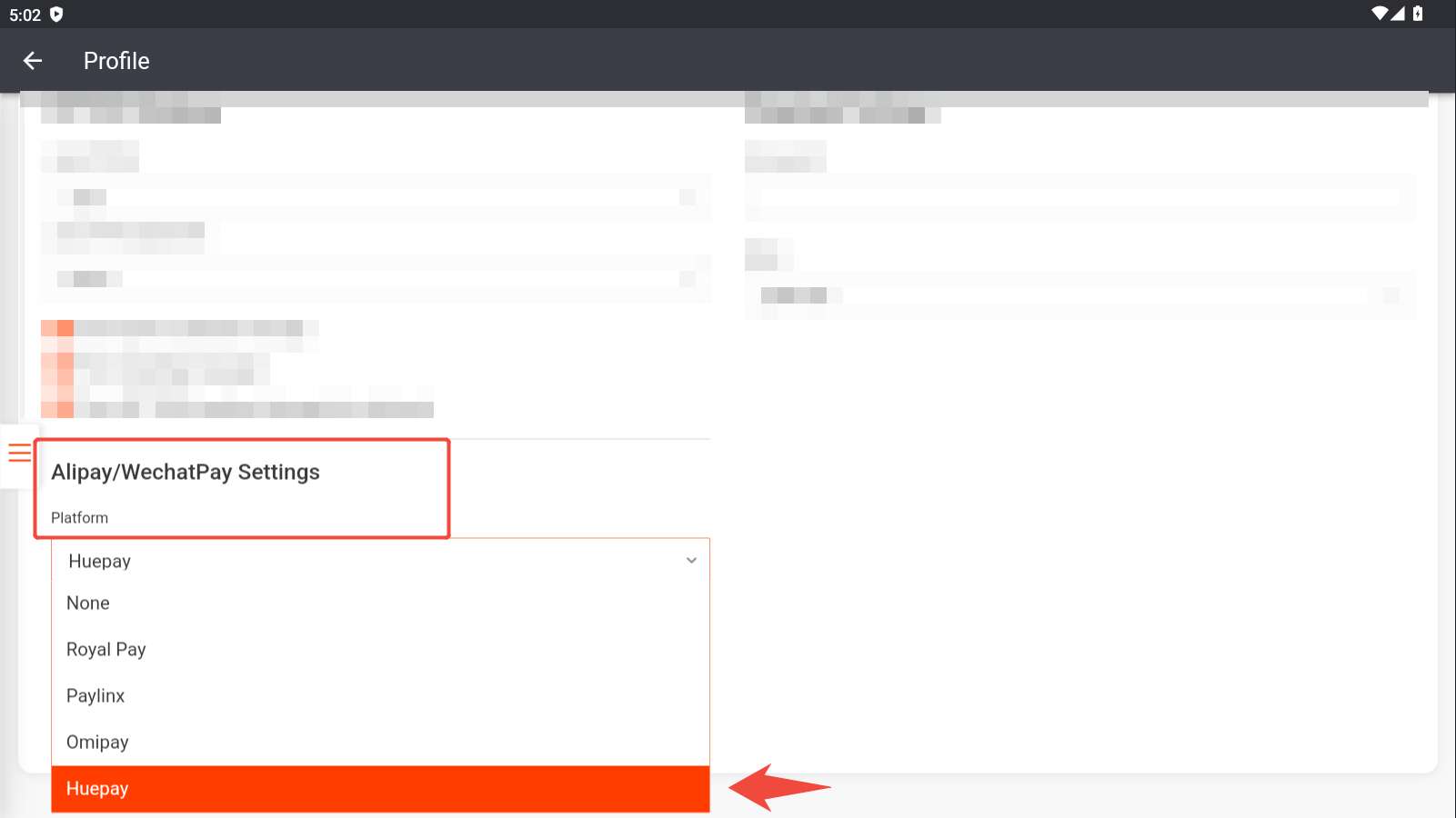
Choose “Huepay”.
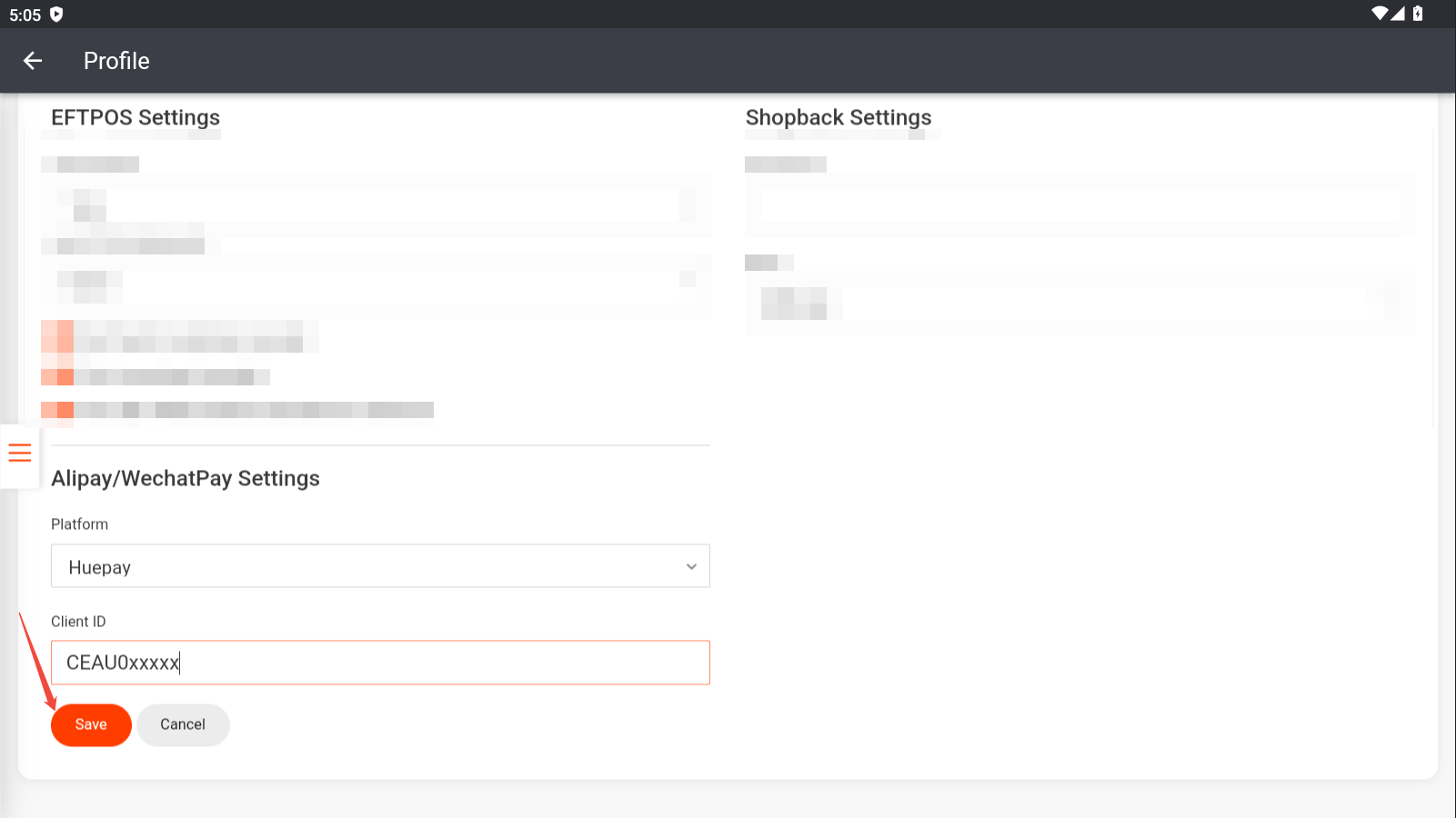
Enter the client ID, which is usually attached in the email from Huepay and starts with “CEAU”. Then click “Save”.
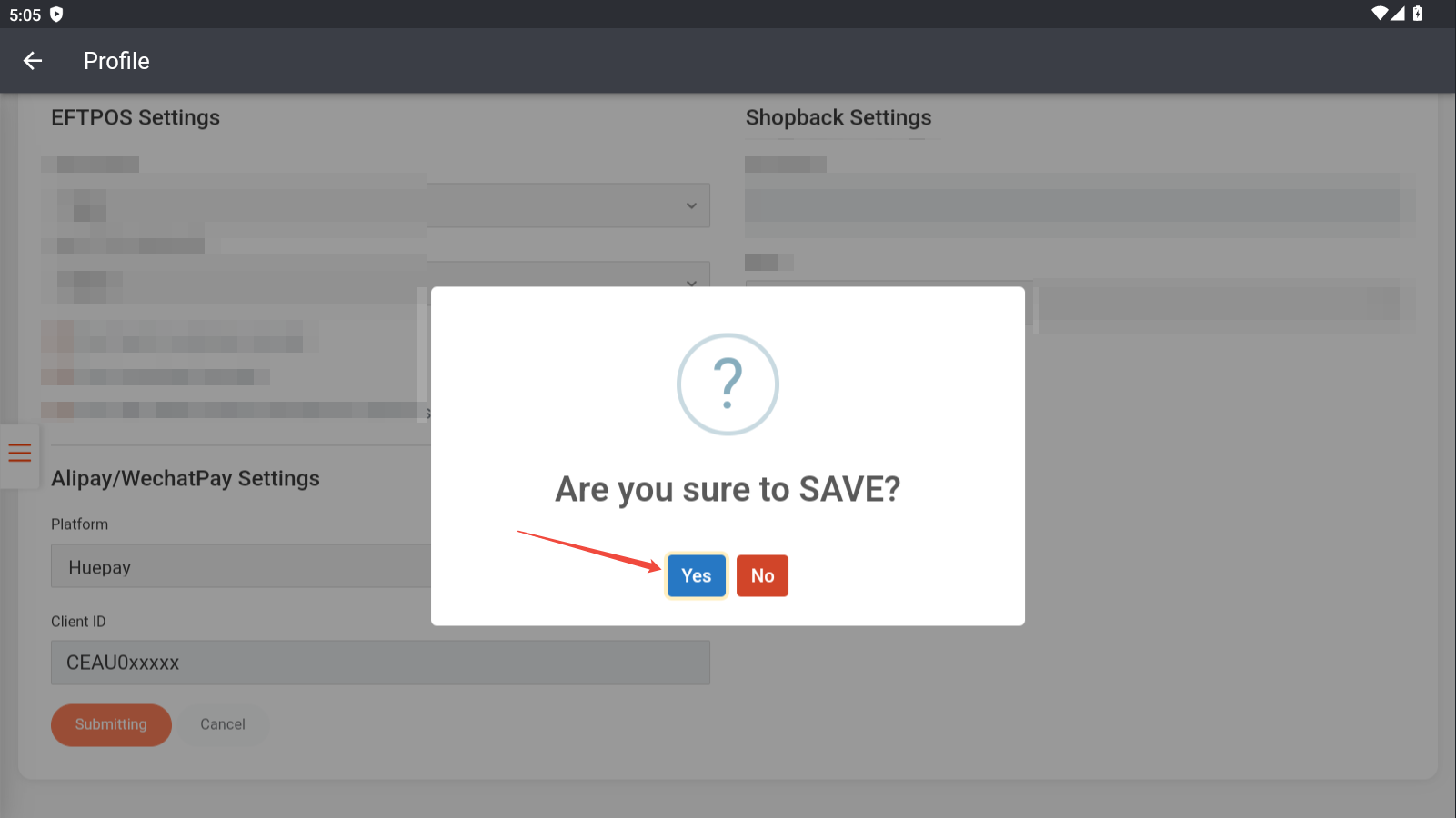
Click “Yes” to confirm.
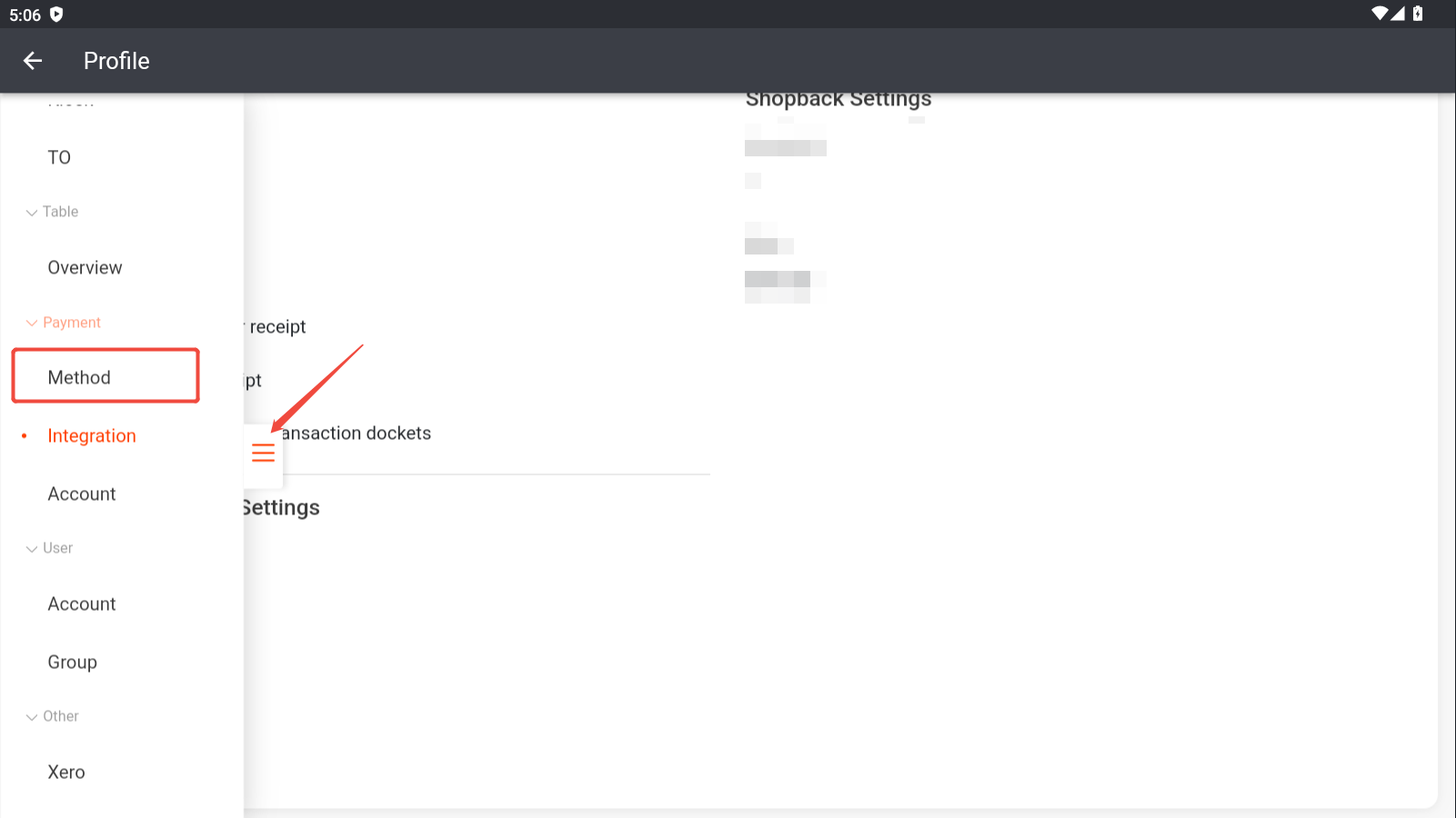
Then click the button on the middle left edge and go to “Method”.
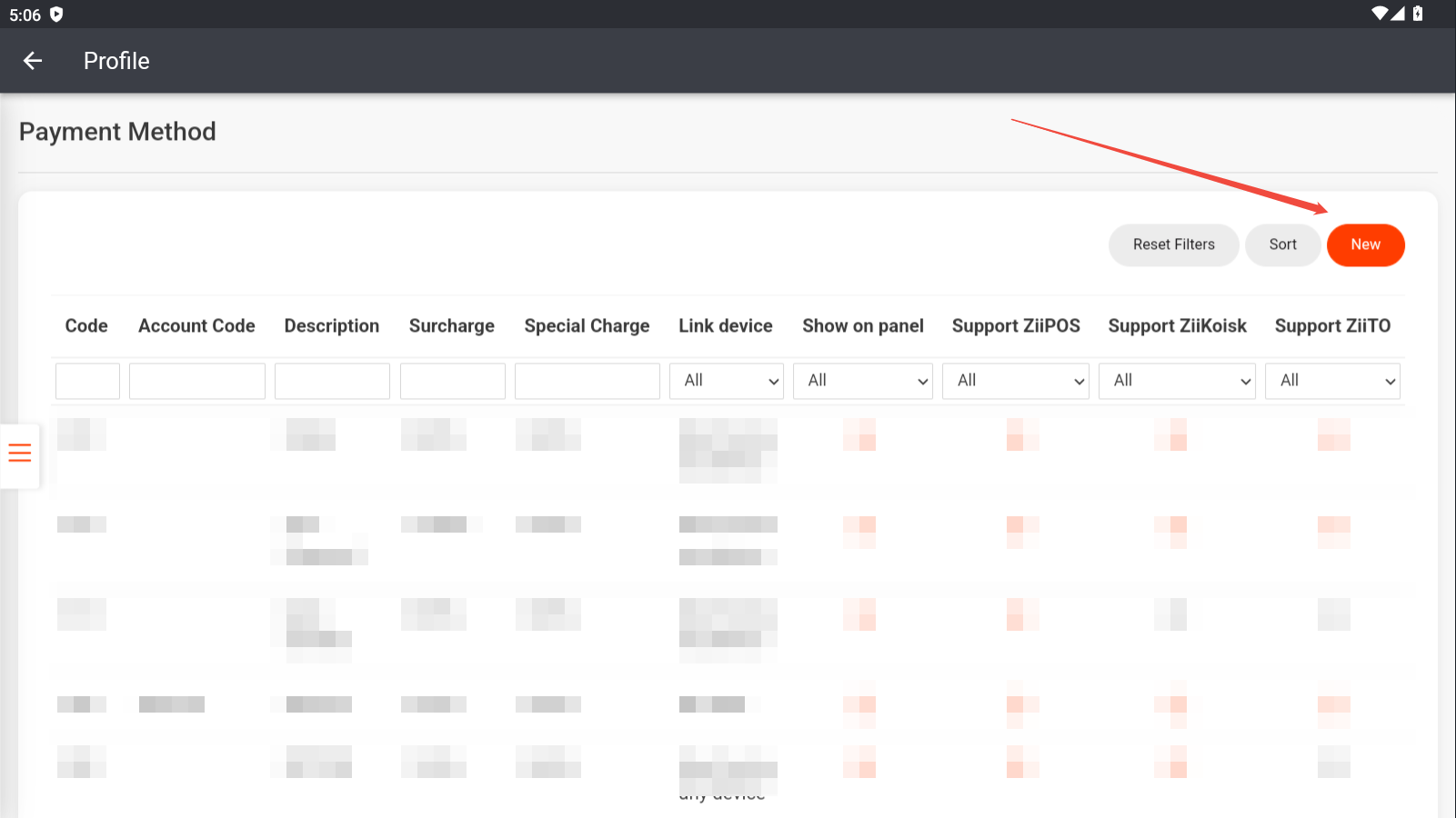
Click “New” to add a payment method for WeChat Pay or Alipay.
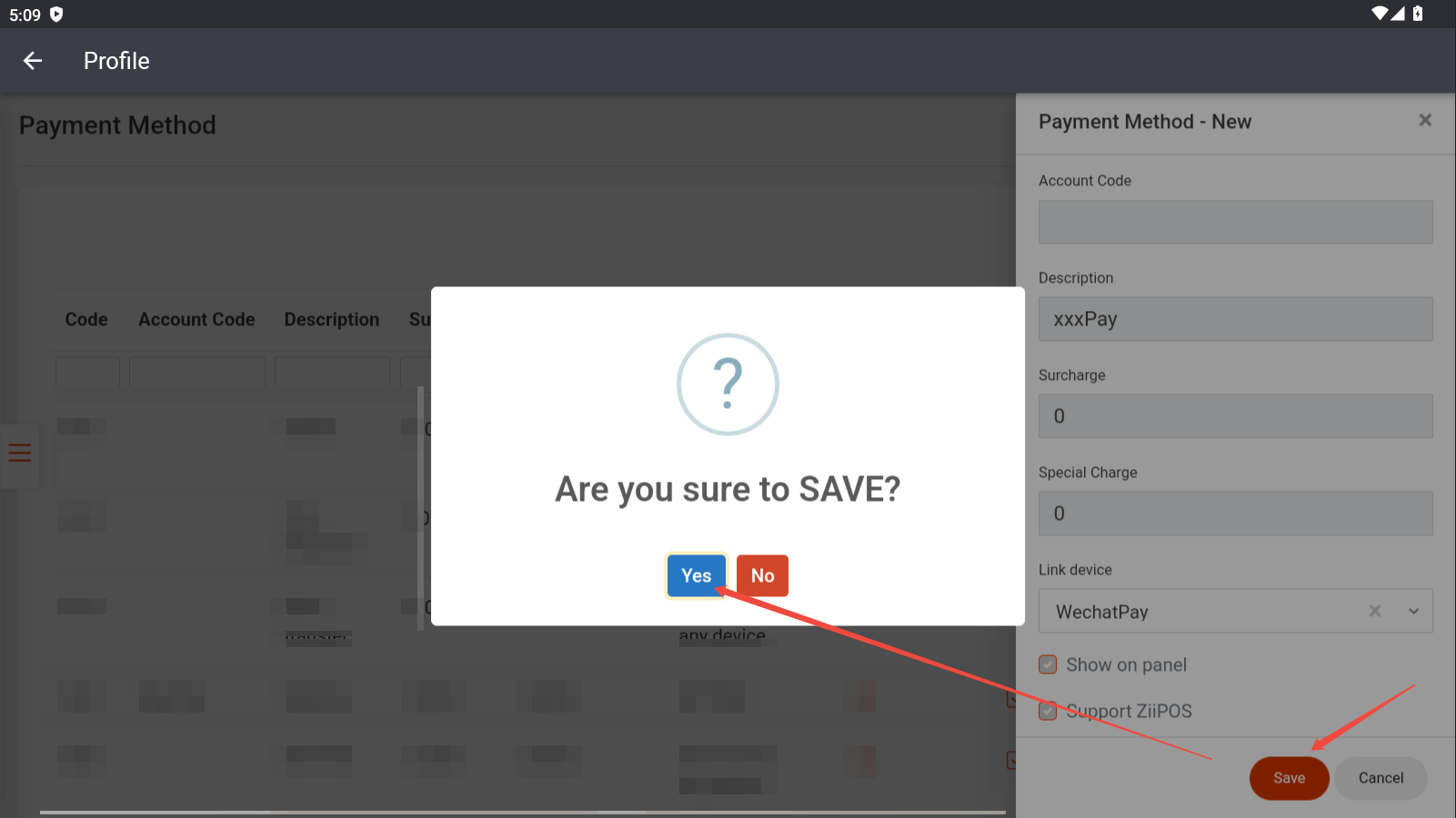
Then select “Link Device” to be WeChat Pay or Alipay based on your needs.
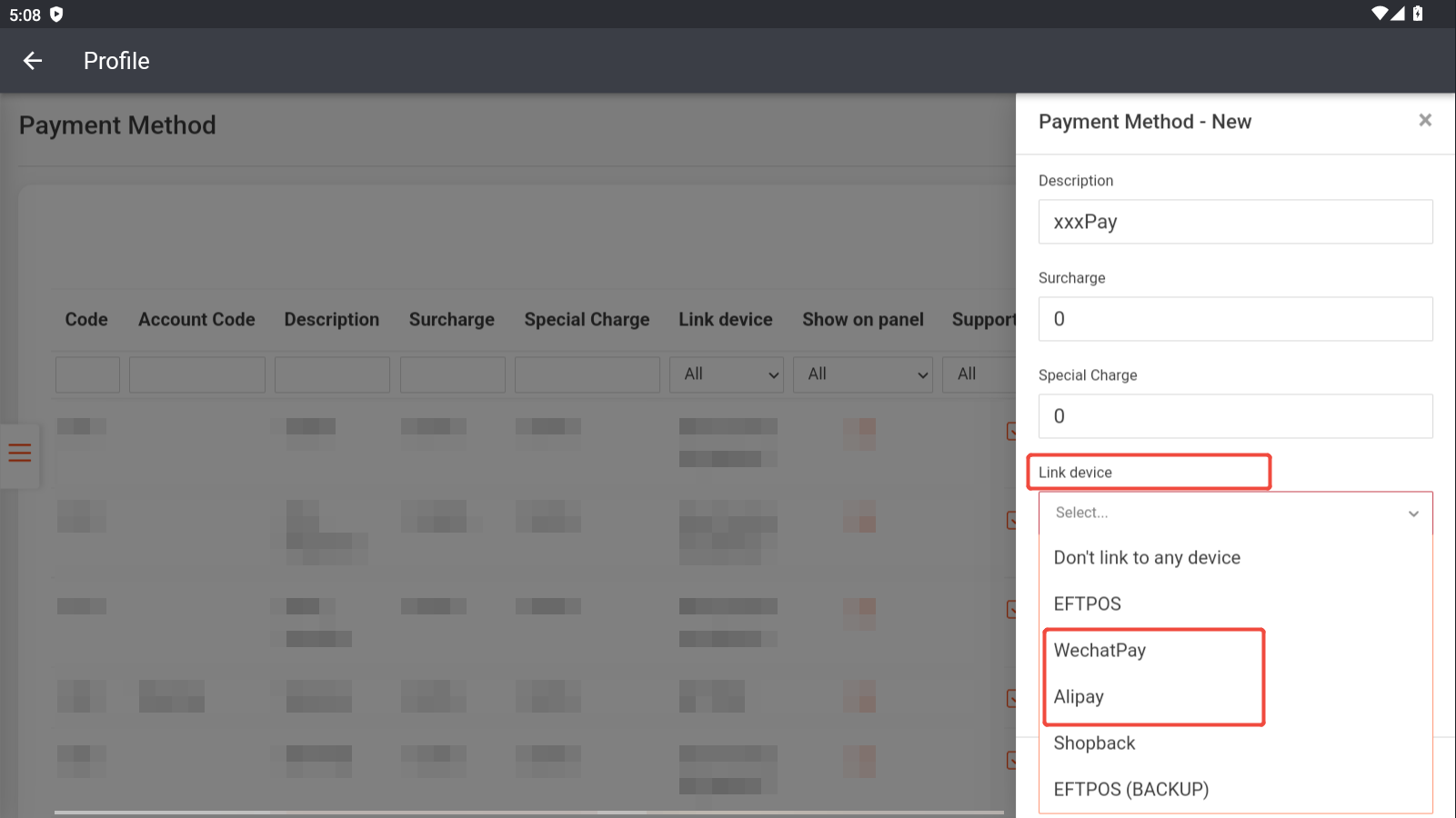
Click “Save” and click “Yes” to confirm.