
Please go to Zii – Dashboard (ziicloud.com) to process.
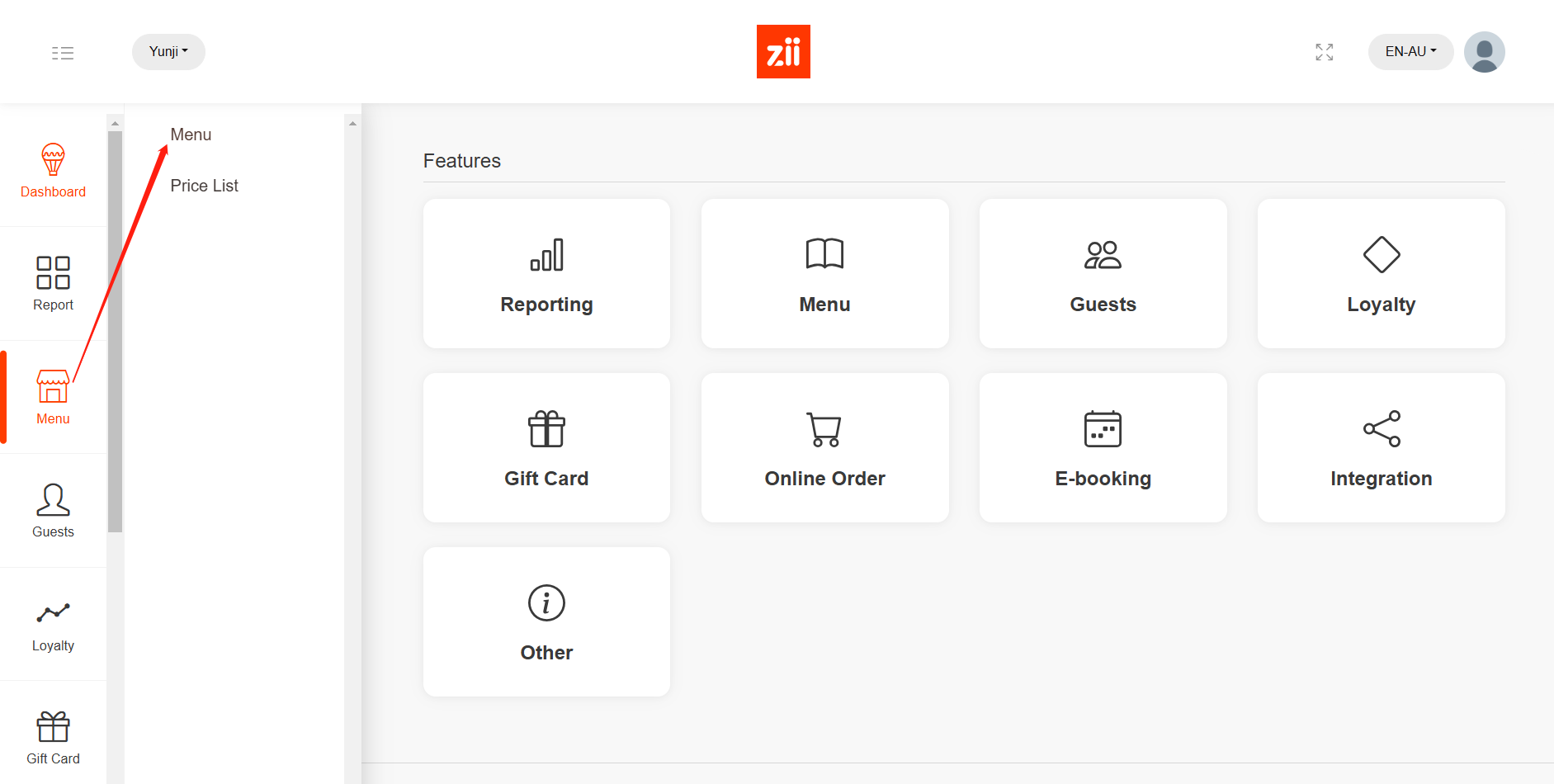
- After logging into “Portal”, click the button in the top left corner and go to “Menu”.
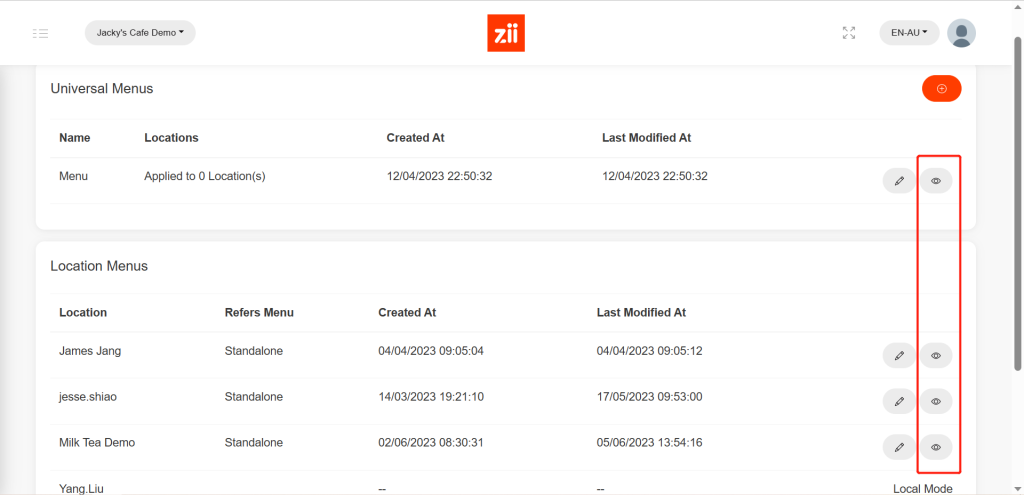
- Click on the eye-like icon of the menu that you want to add a new category to.
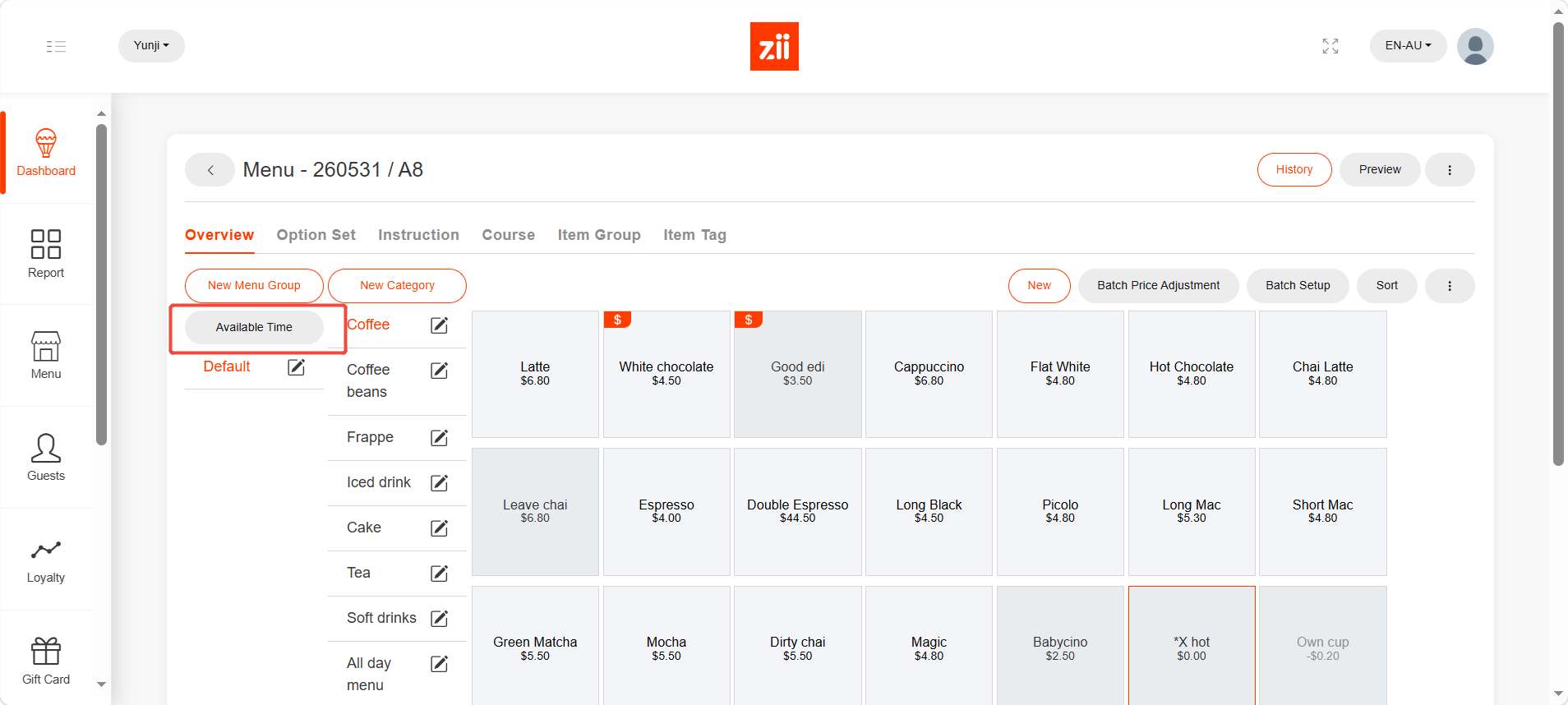
Click “Available Time”.
Click “Add”.
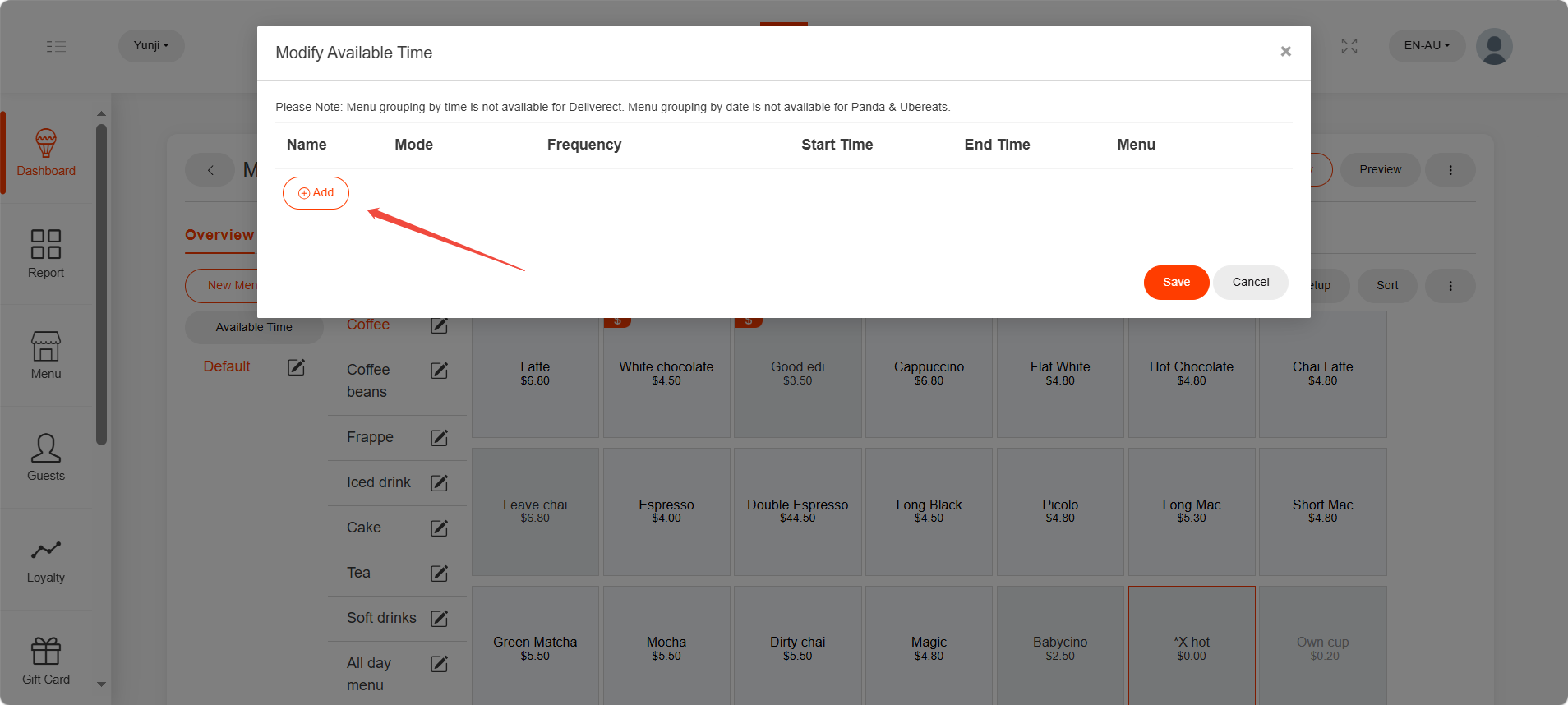
Enter a name for it.
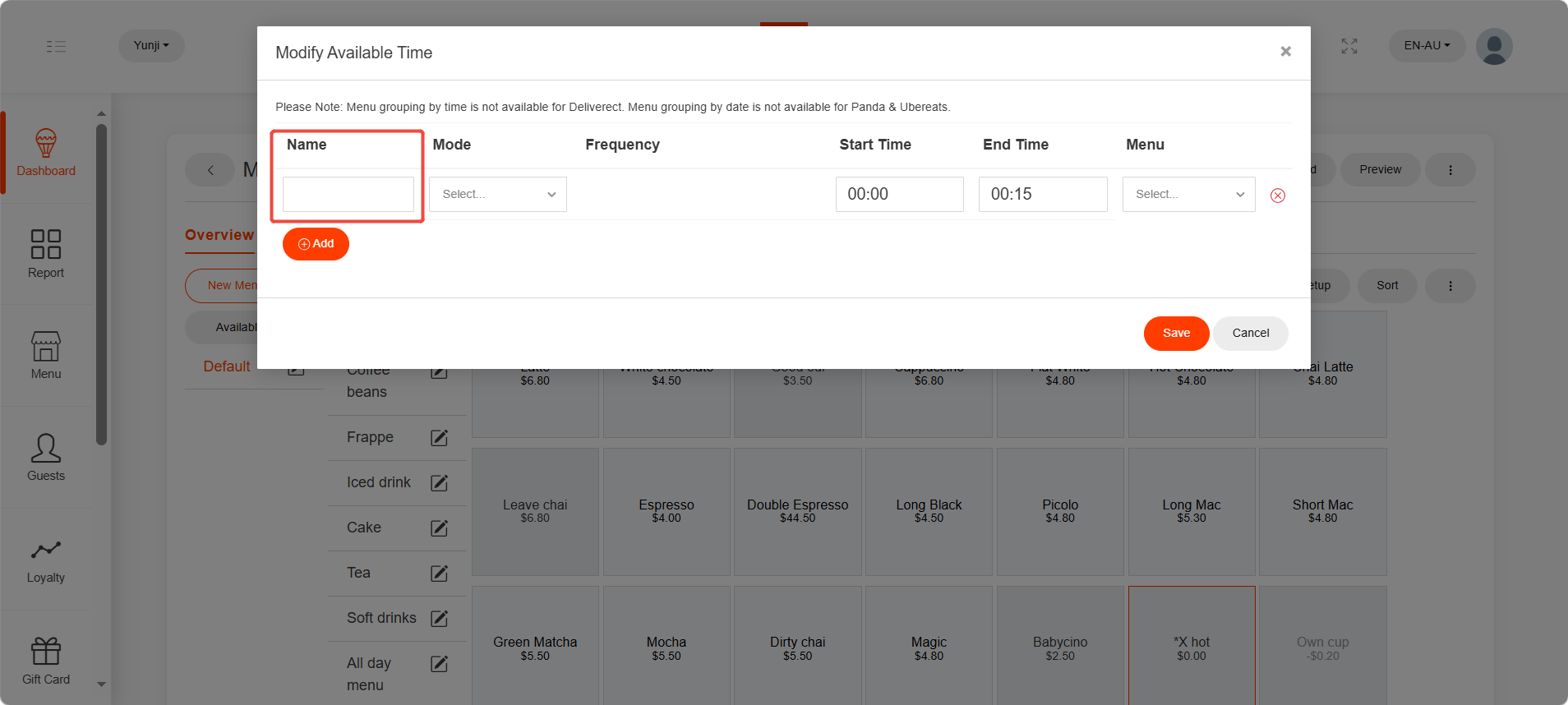
And there are three modes.
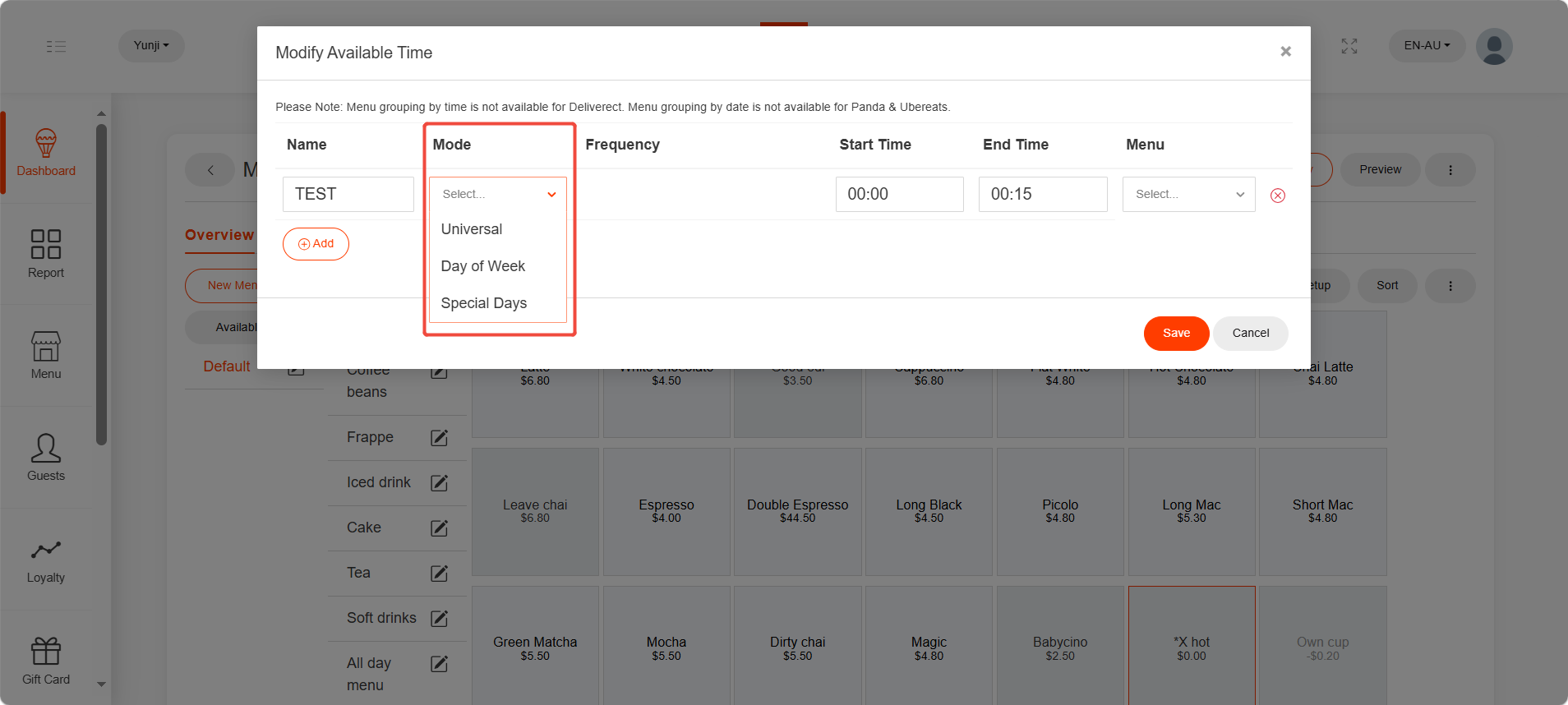
- Universal
When “Universal” is chosen, it means that this rule will apply every day.
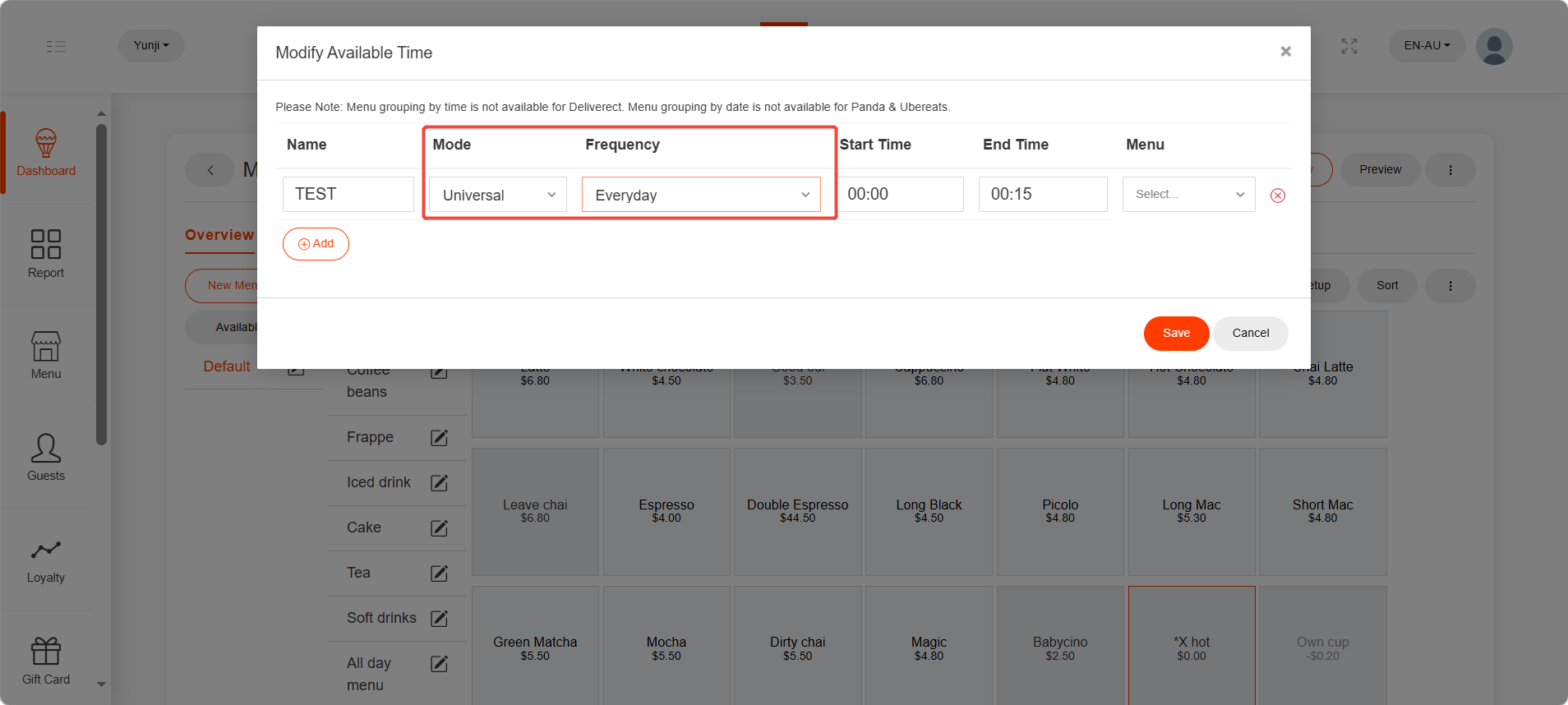
- Day of Week
When “Day of Week” is chosen, it allows you to select the frequency from Monday to Sunday.
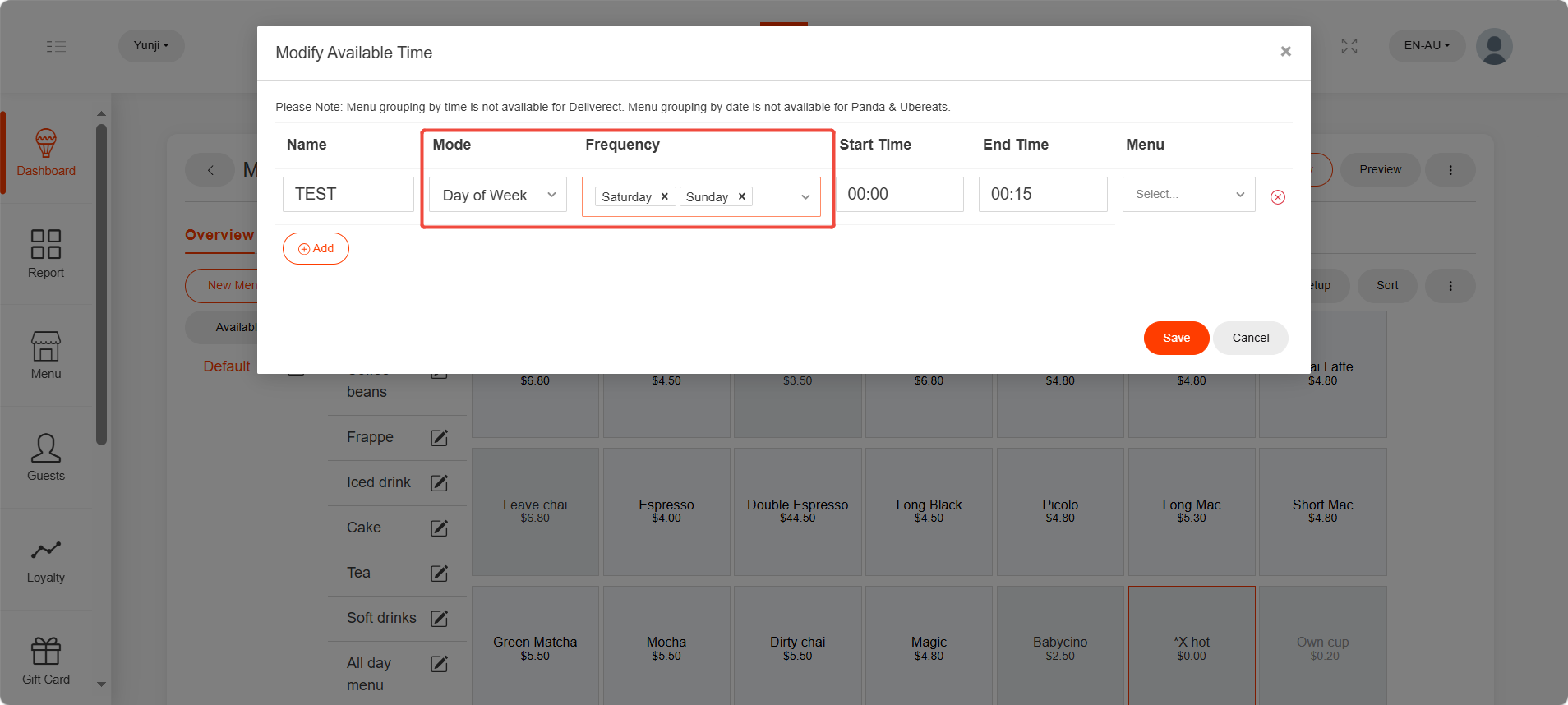
- Speical Days
When “Special Days” is chosen, you may set up the frequency as dates.
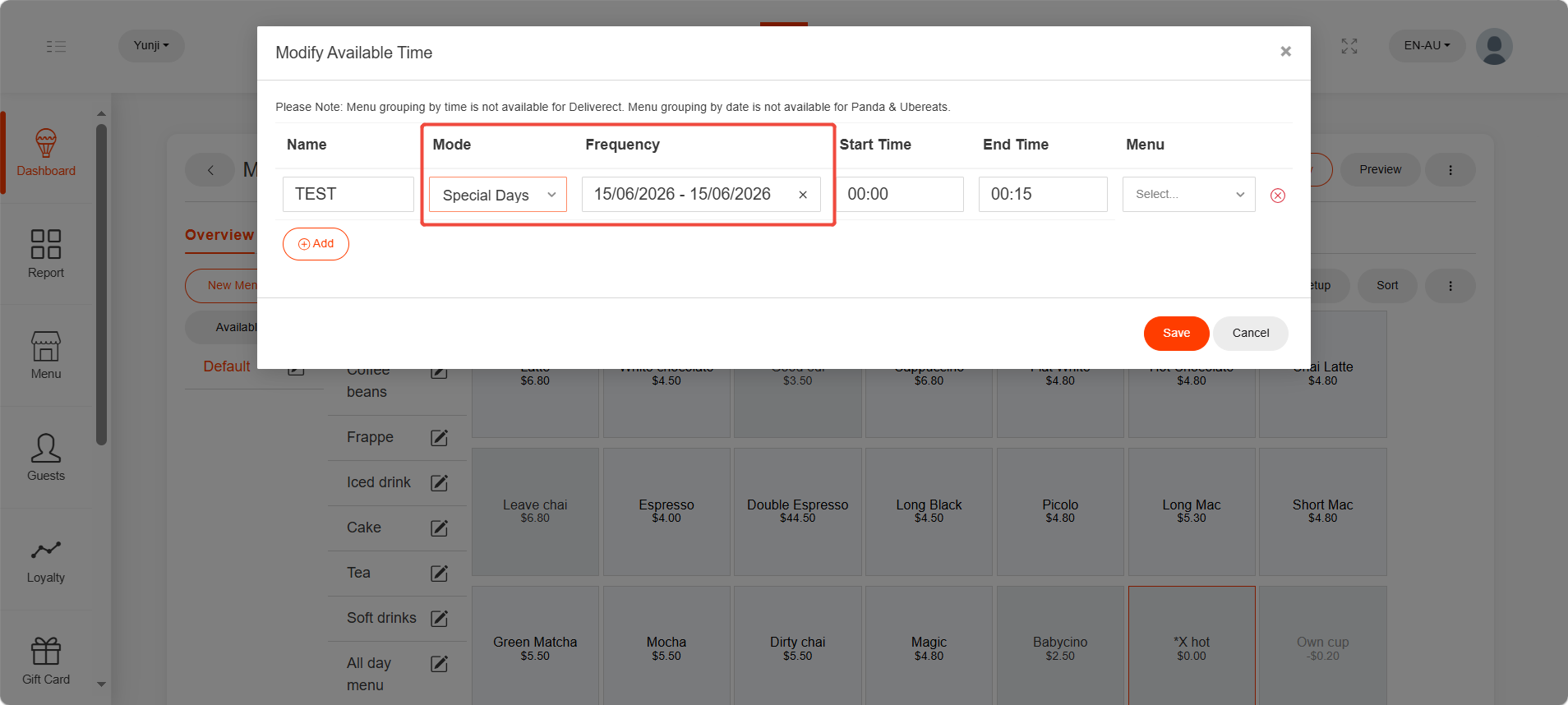
Then please set up the time range.
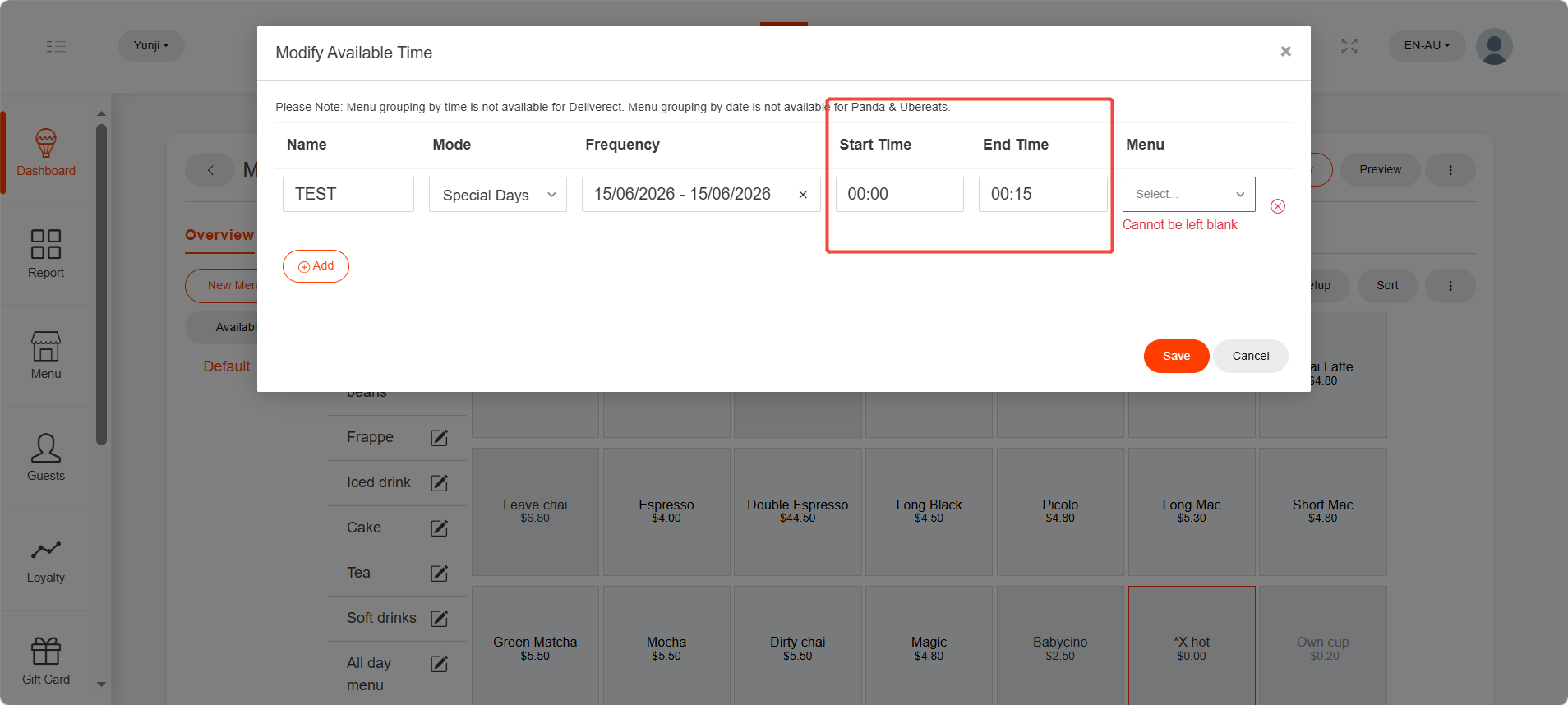
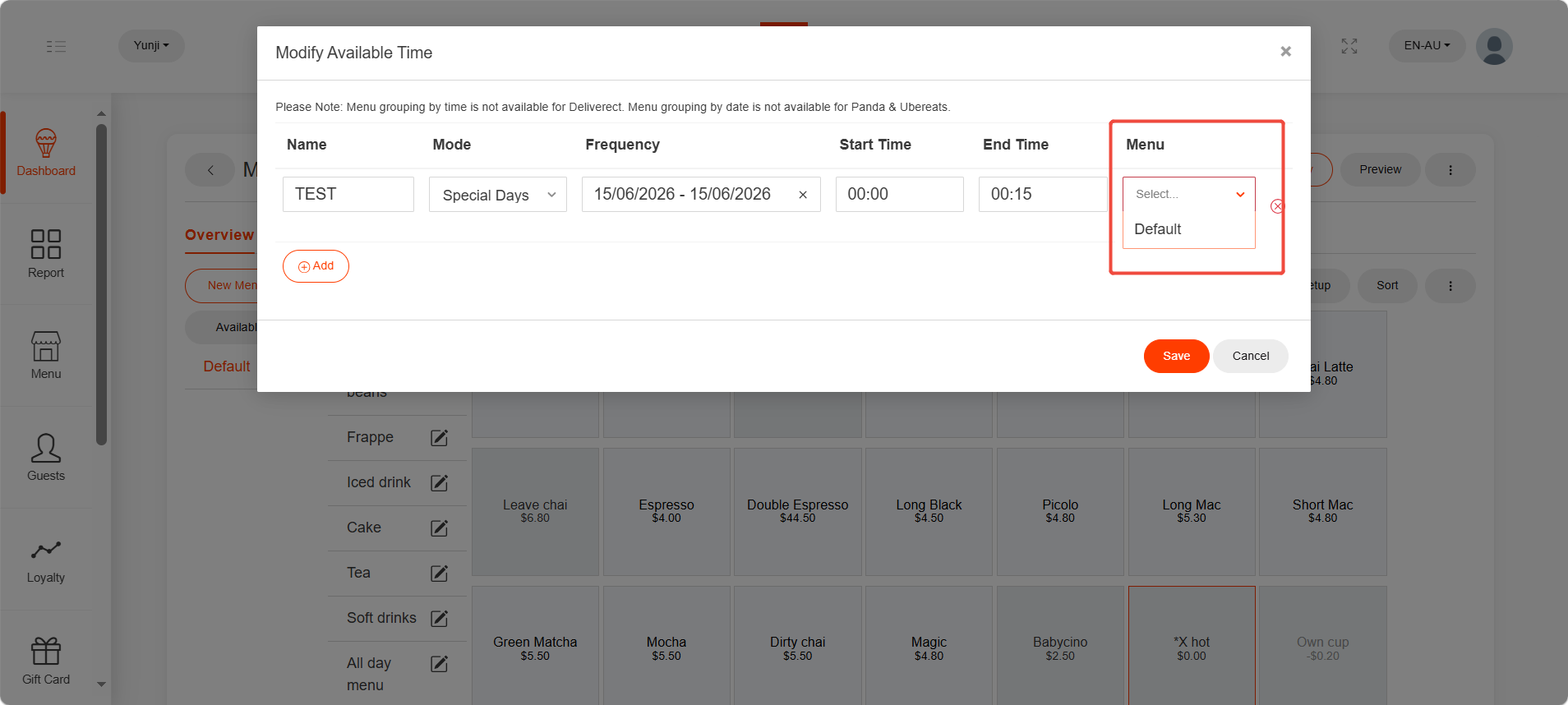
Select which menu group will this rule apply to.
Click “Save”.
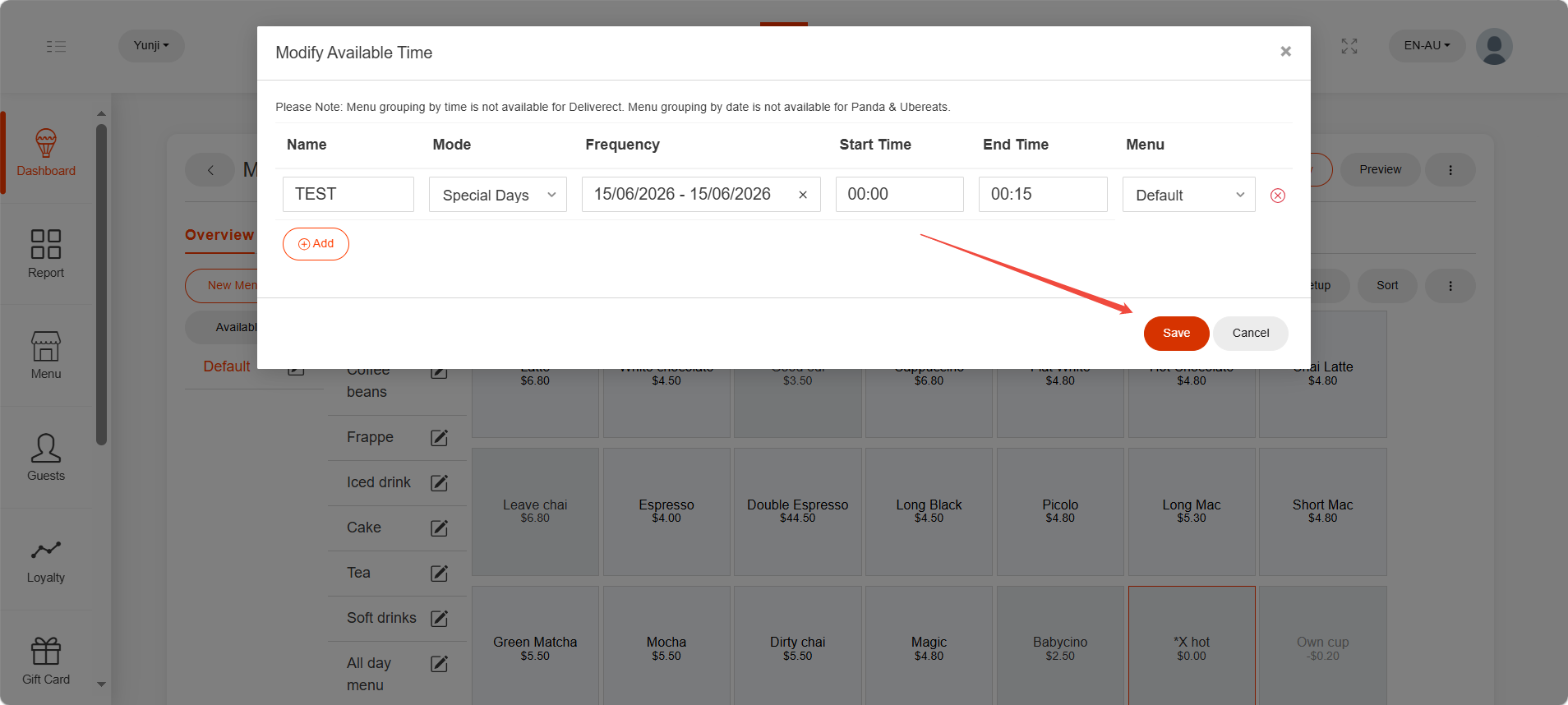
After being saved, this new menu group won’t show on ZiiPOS directly. Please finish all modifications first, then release the menu to make it take effect. You can refer to Cloud Menu–How to Release a Menu – Zii Help Center (ziicloud.com) to check the process of releasing a menu.
