Befor we start, please finish these steps:
1. Have your DoorDash locations prepared on DoorDash platform.
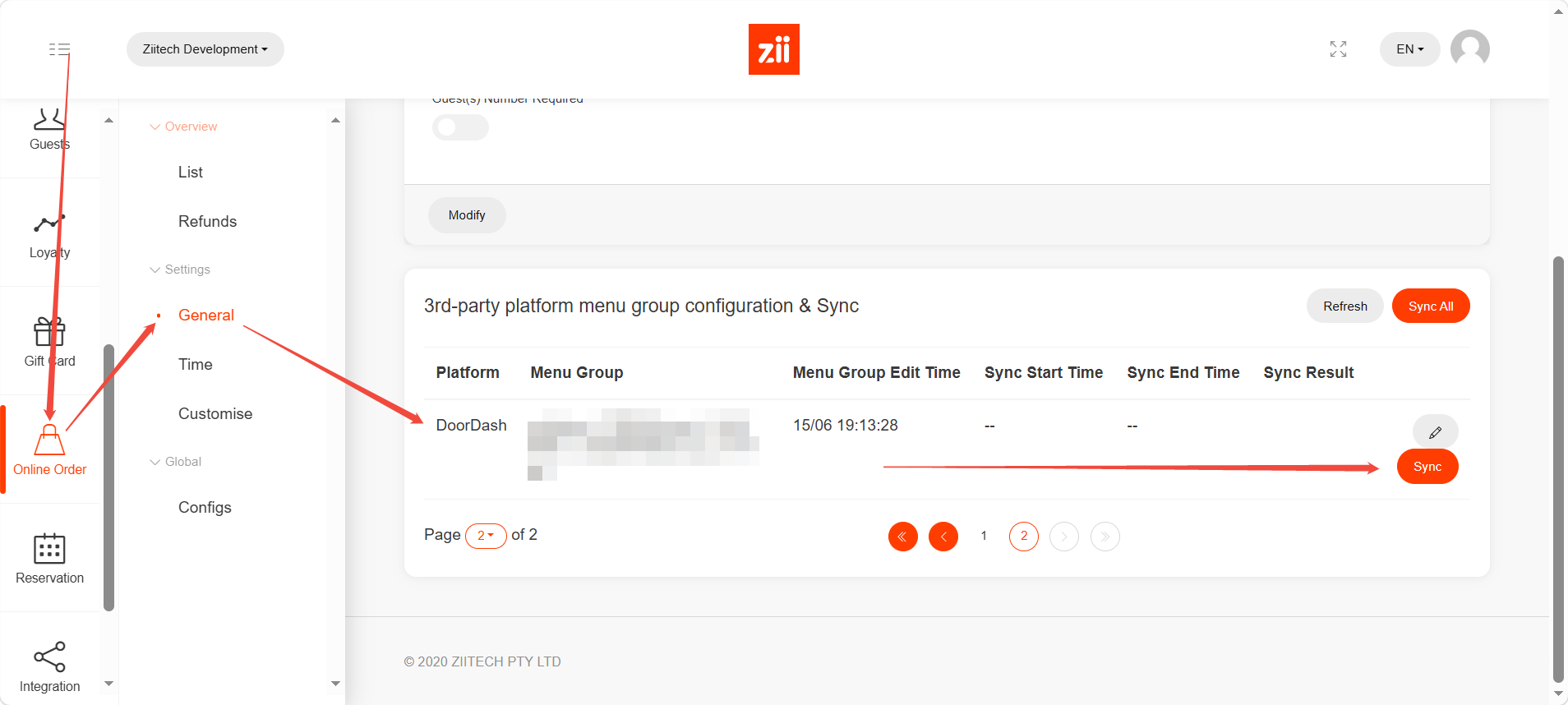
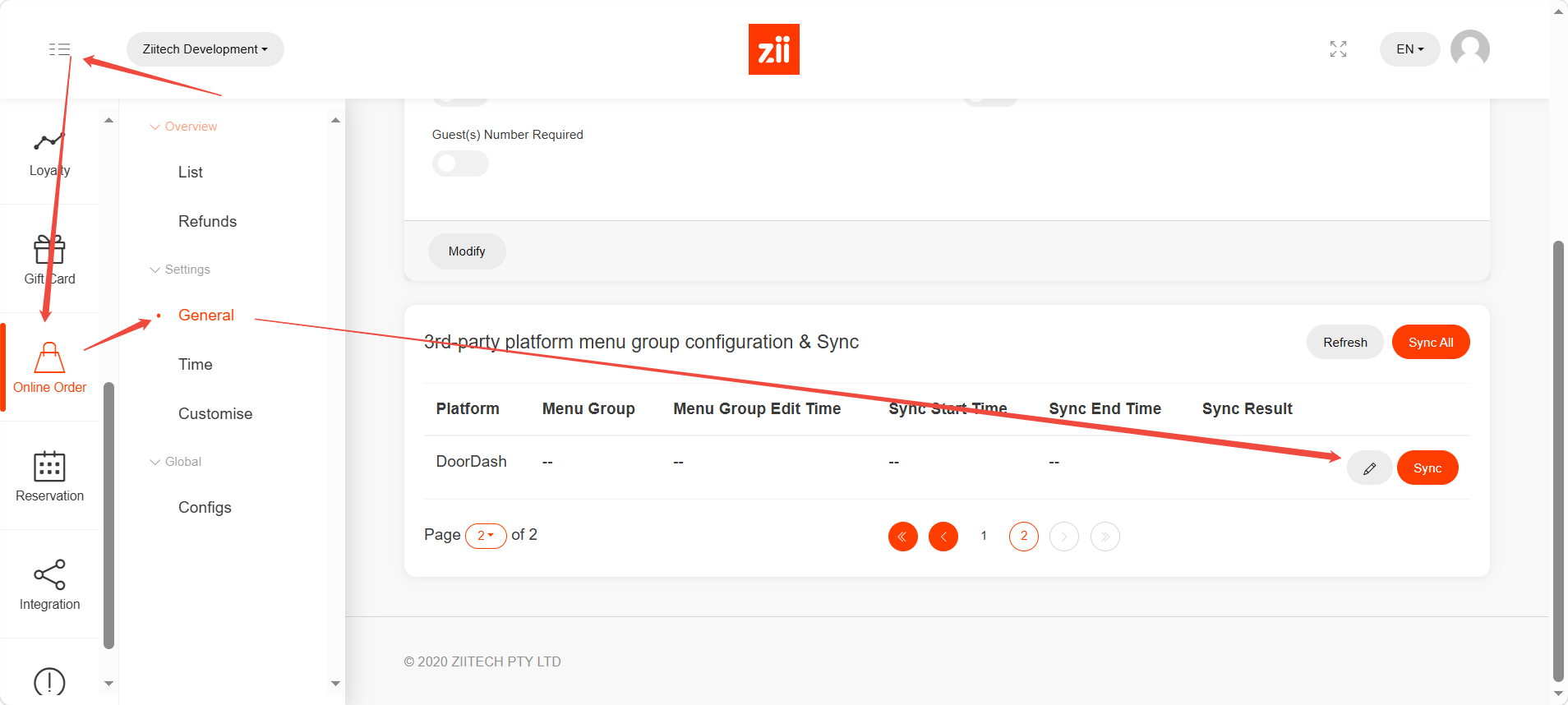
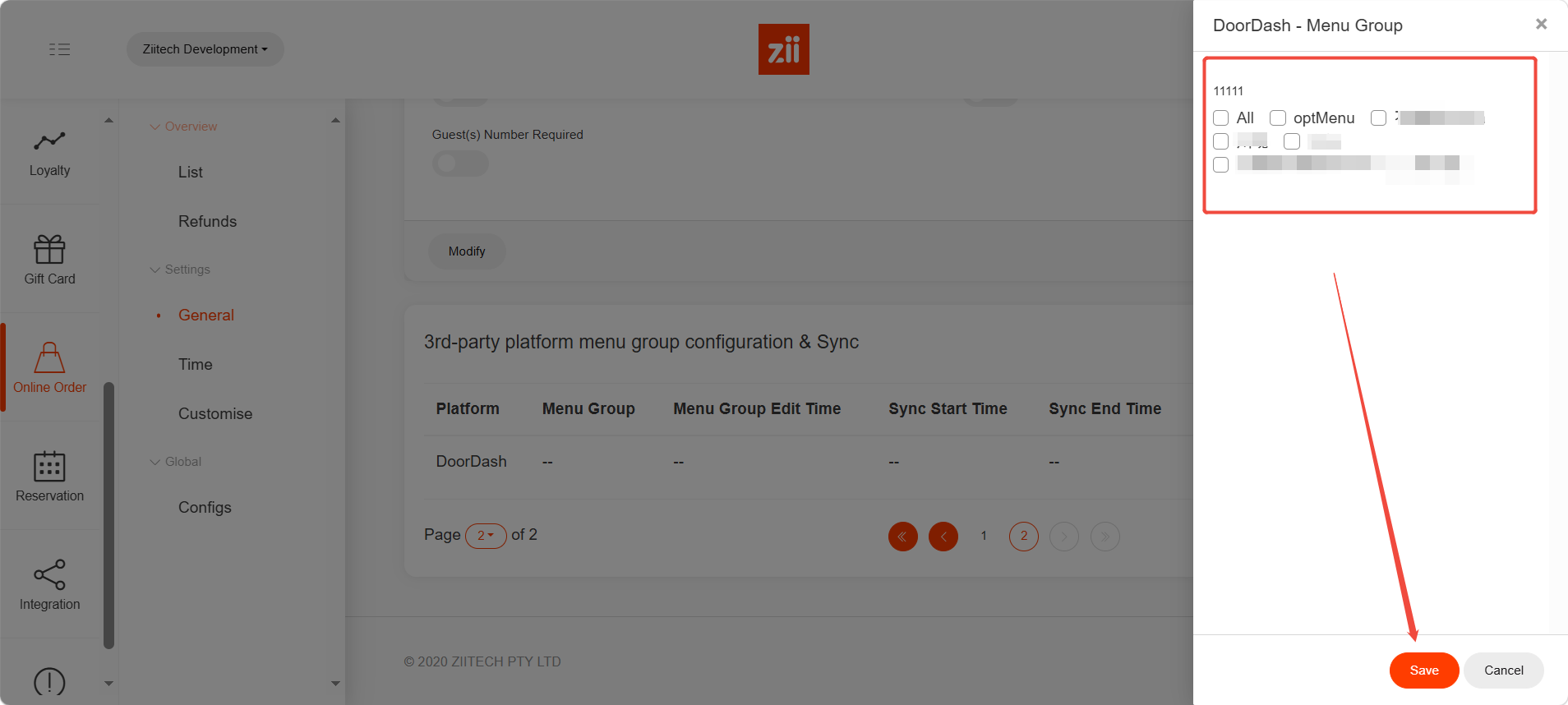
2. Have your menu ready for integration on Zii portal:
– Enable your menu for online orders.
– Select categories to DoorDash.
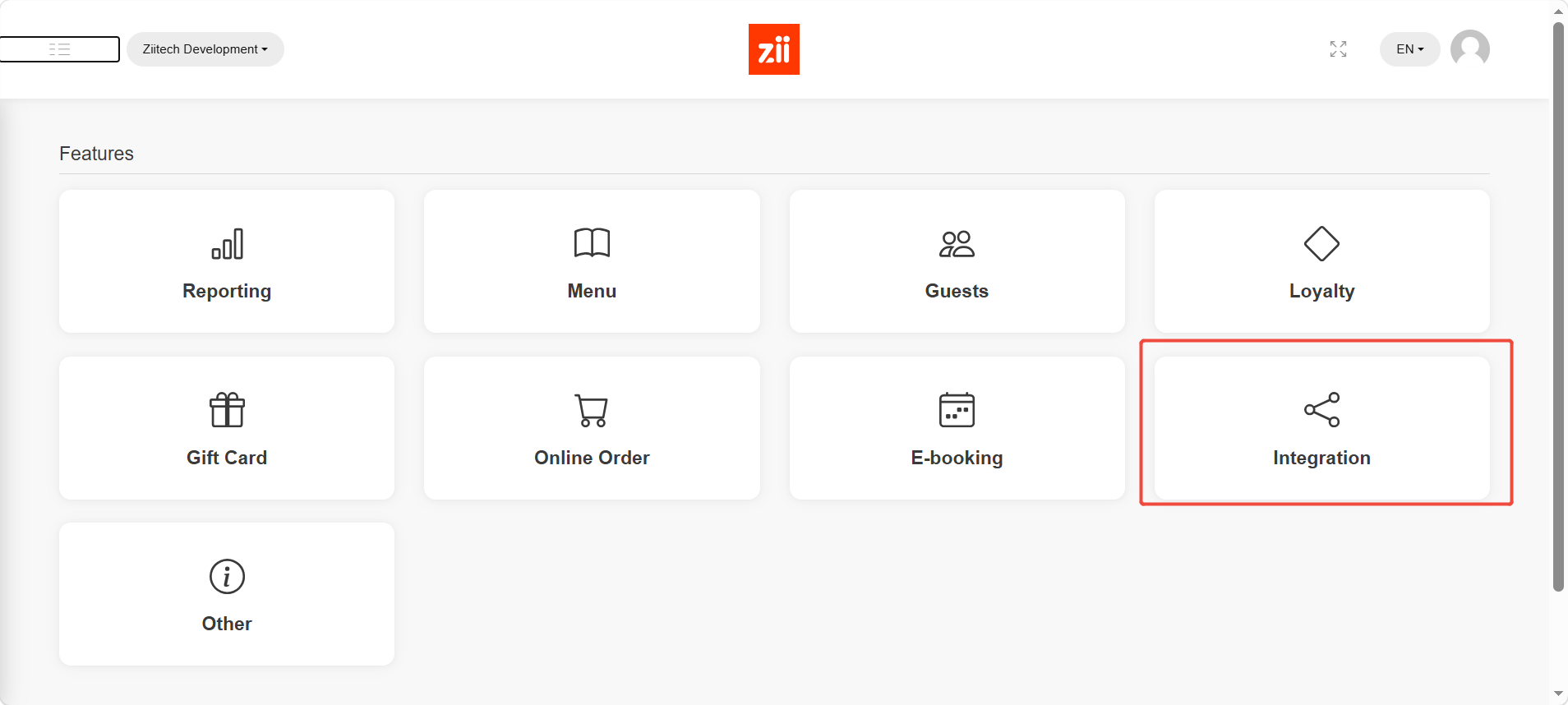
Go to Zii portal, and go to “Integration”.
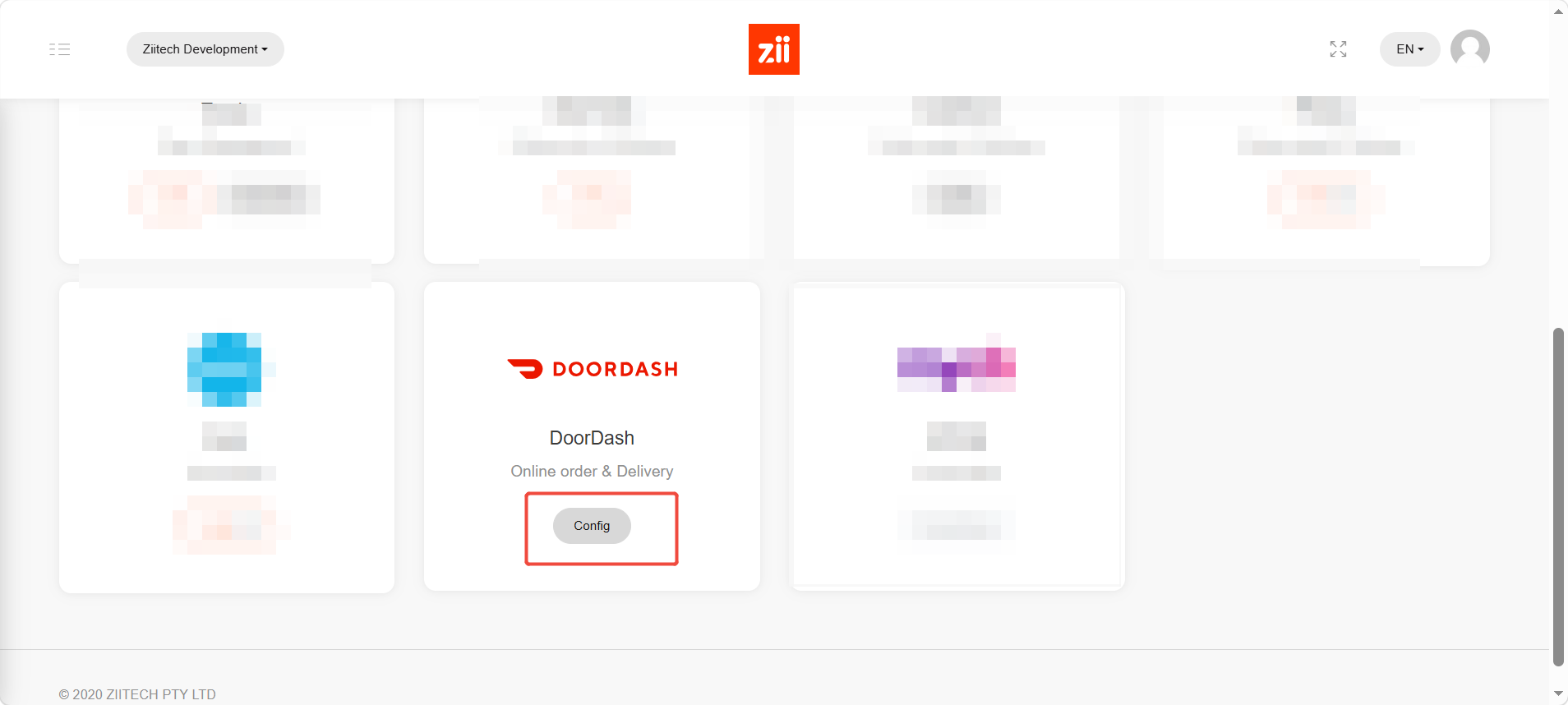
Click “Config” in DoorDash block.
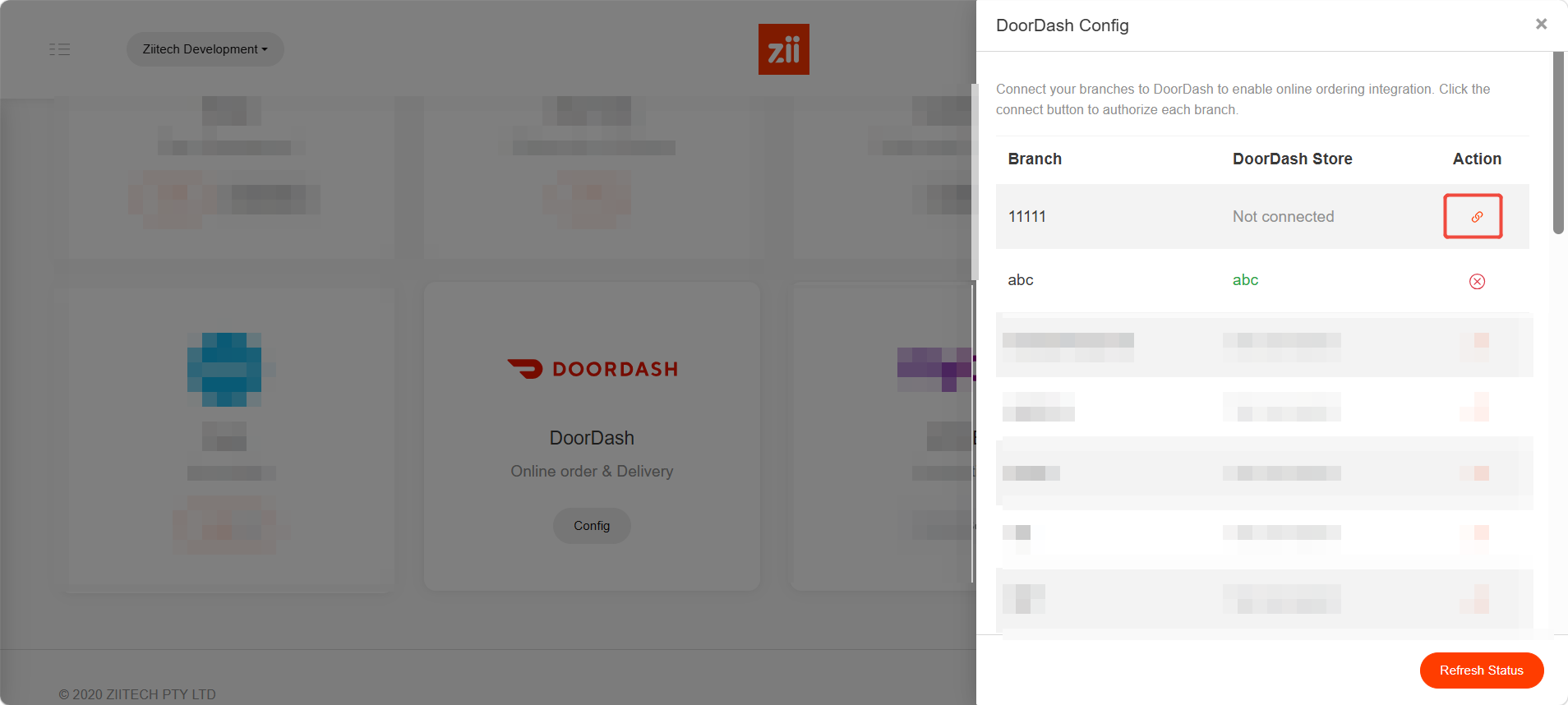
Click the link icon next to the location that you are going to integrate, and it will jump to DoorDash verification page.
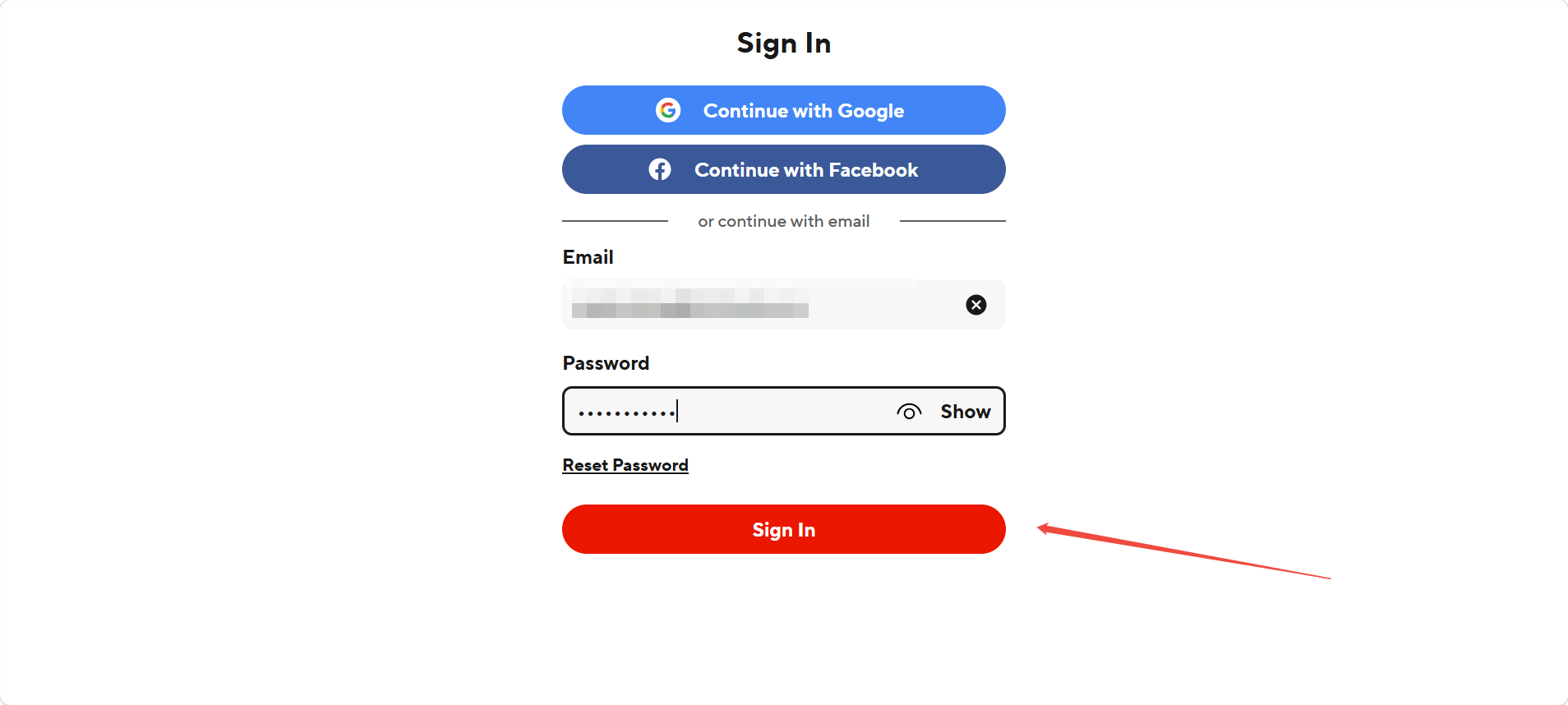
Enter your DoorDash login and hit “Sign in”.
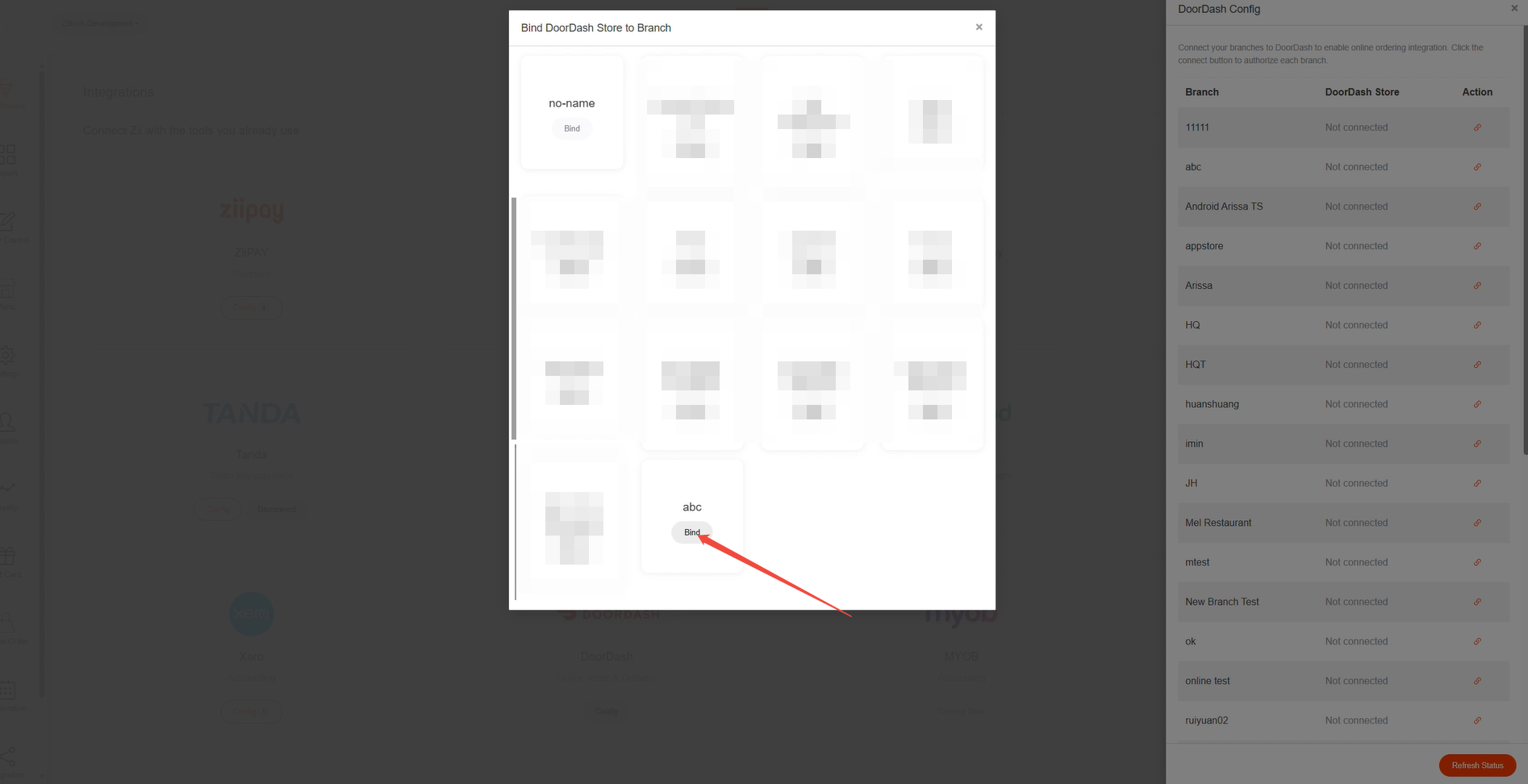
It will jump back to Zii portal and show you your DoorDash locations. The available ones will show you “Bind” button in deep gray.
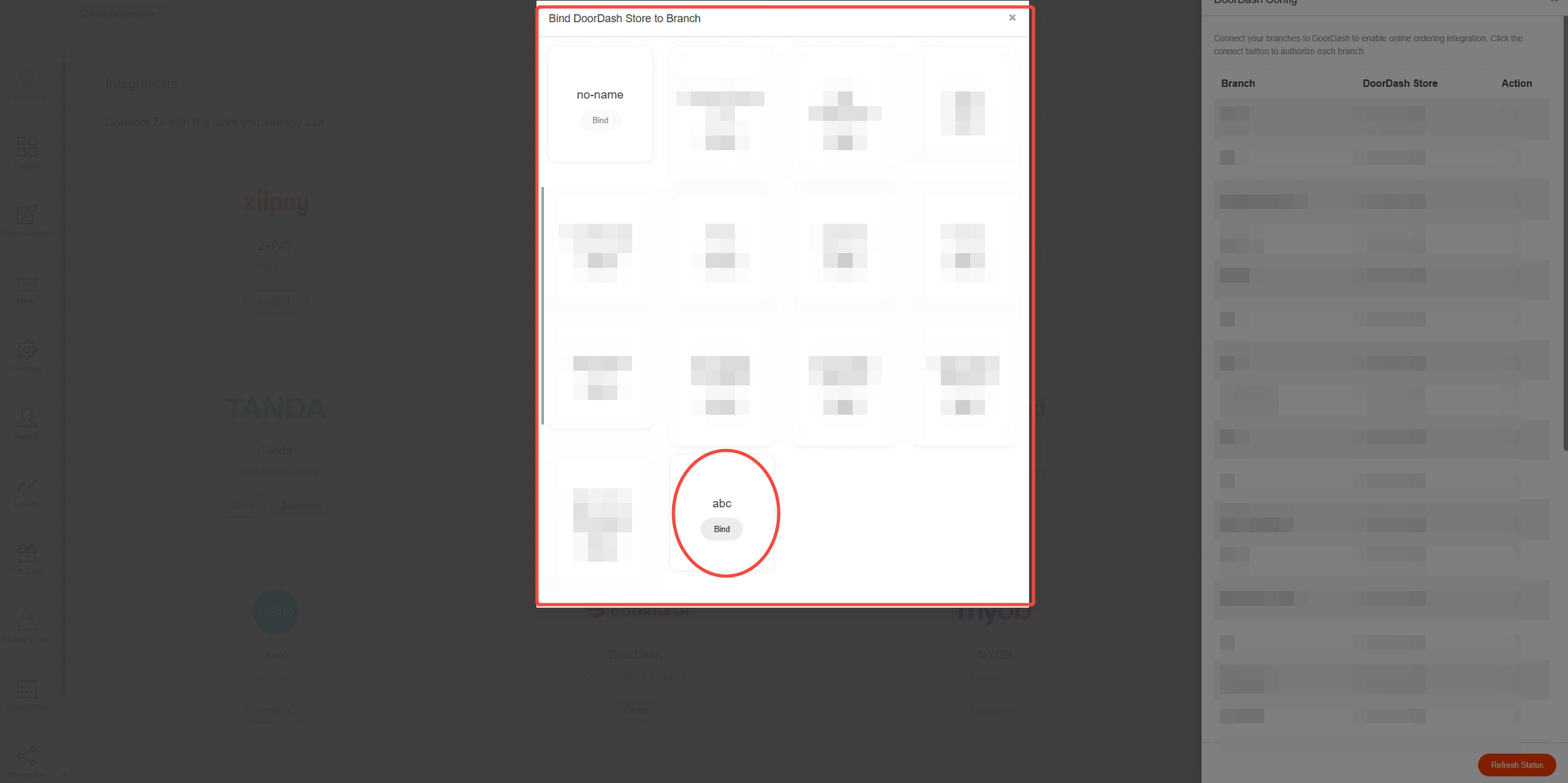
Click “Bind”.
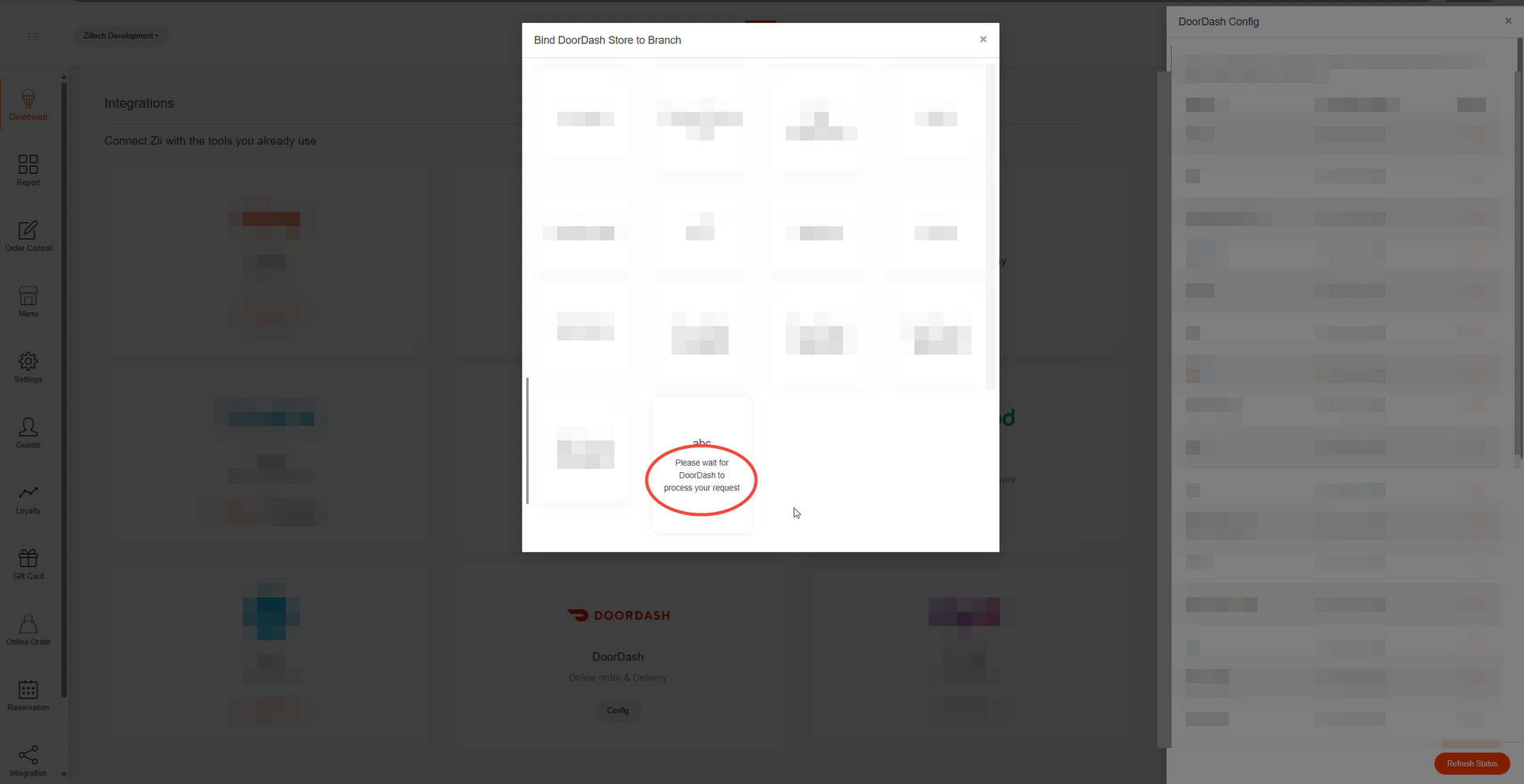
And it will take some time for DoorDash to process.
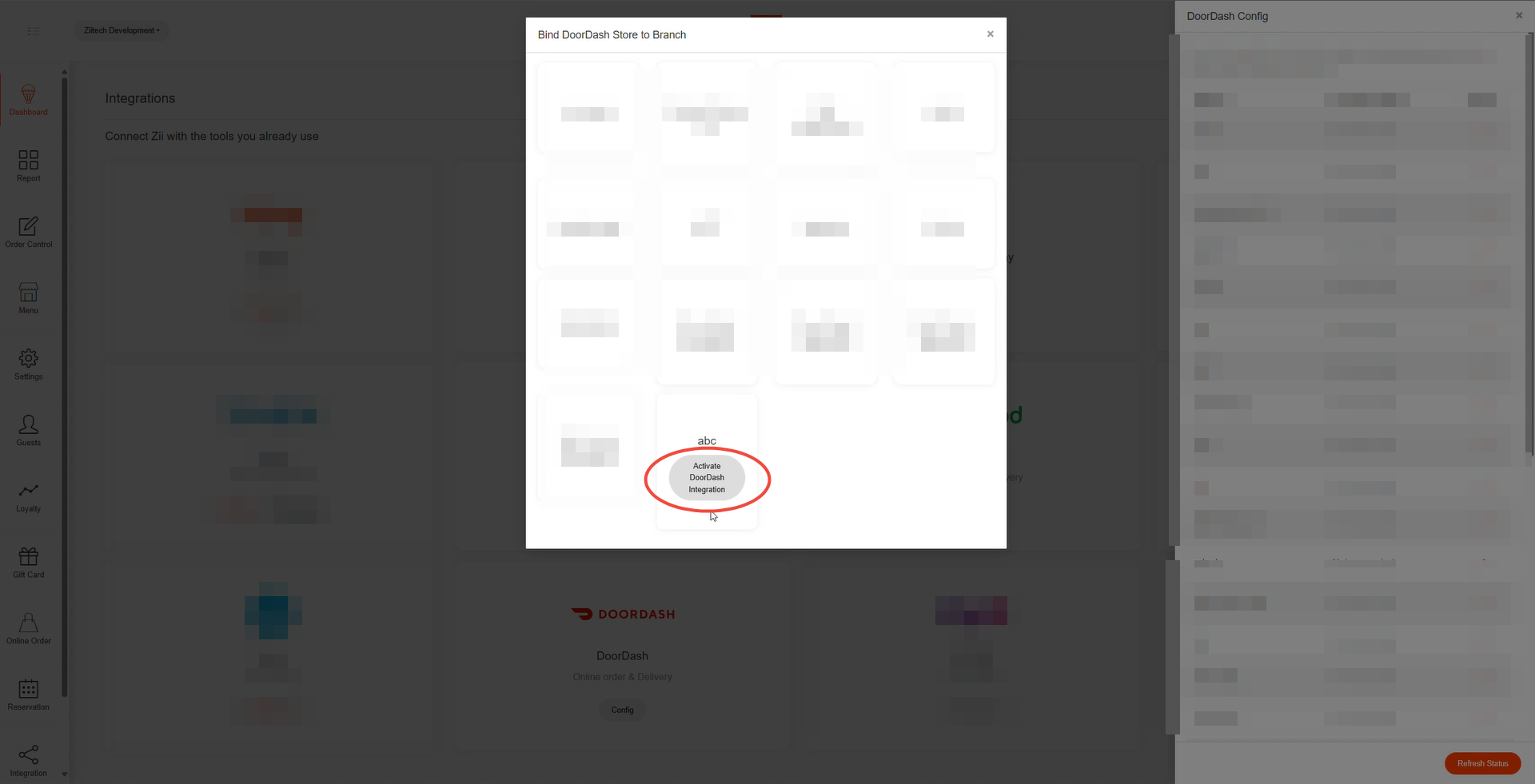
After it’s done, you will see “Activate Doordash Integration” in the block, and please click it.
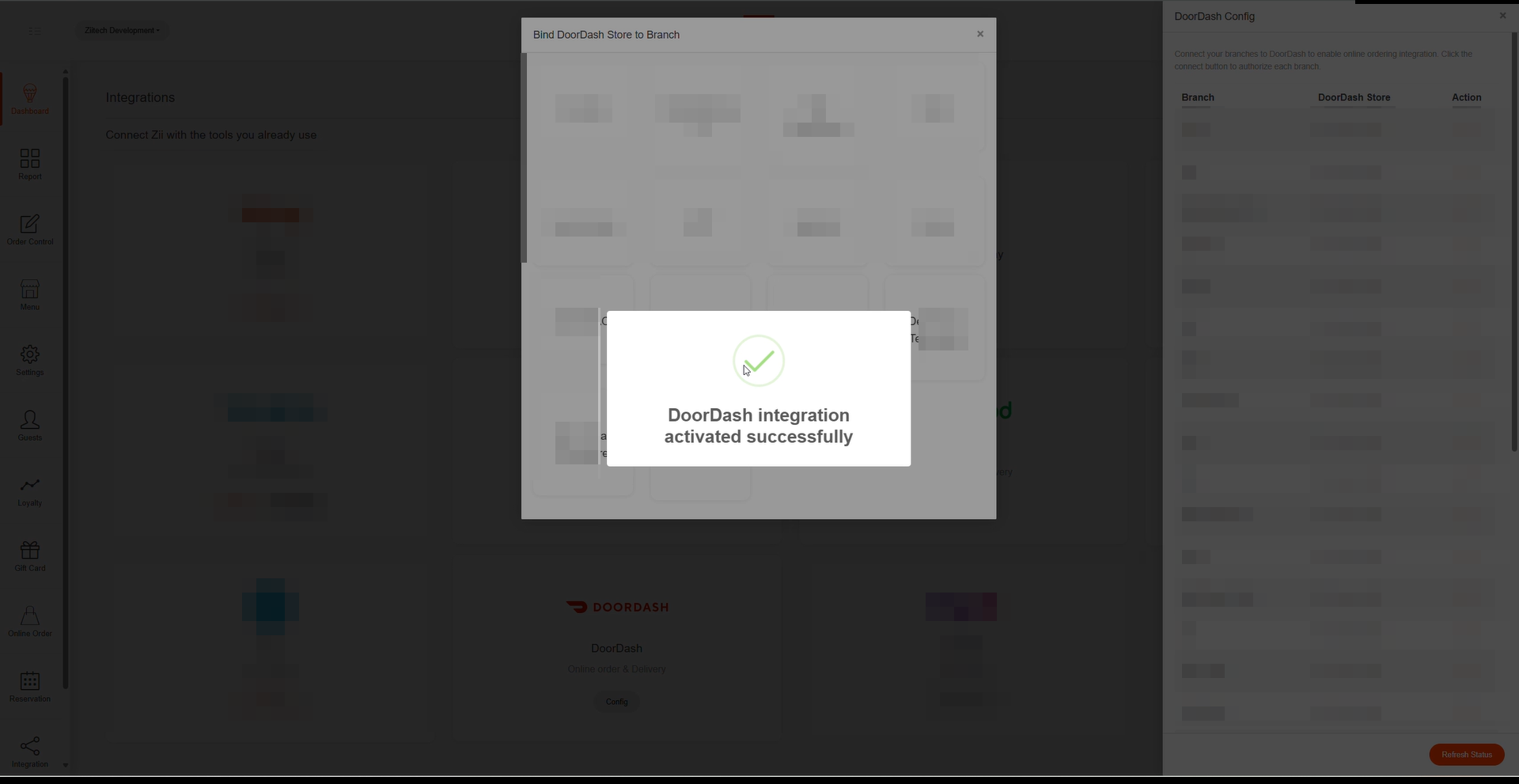
“DoorDash integration activated successfully” popping up means it’s done.
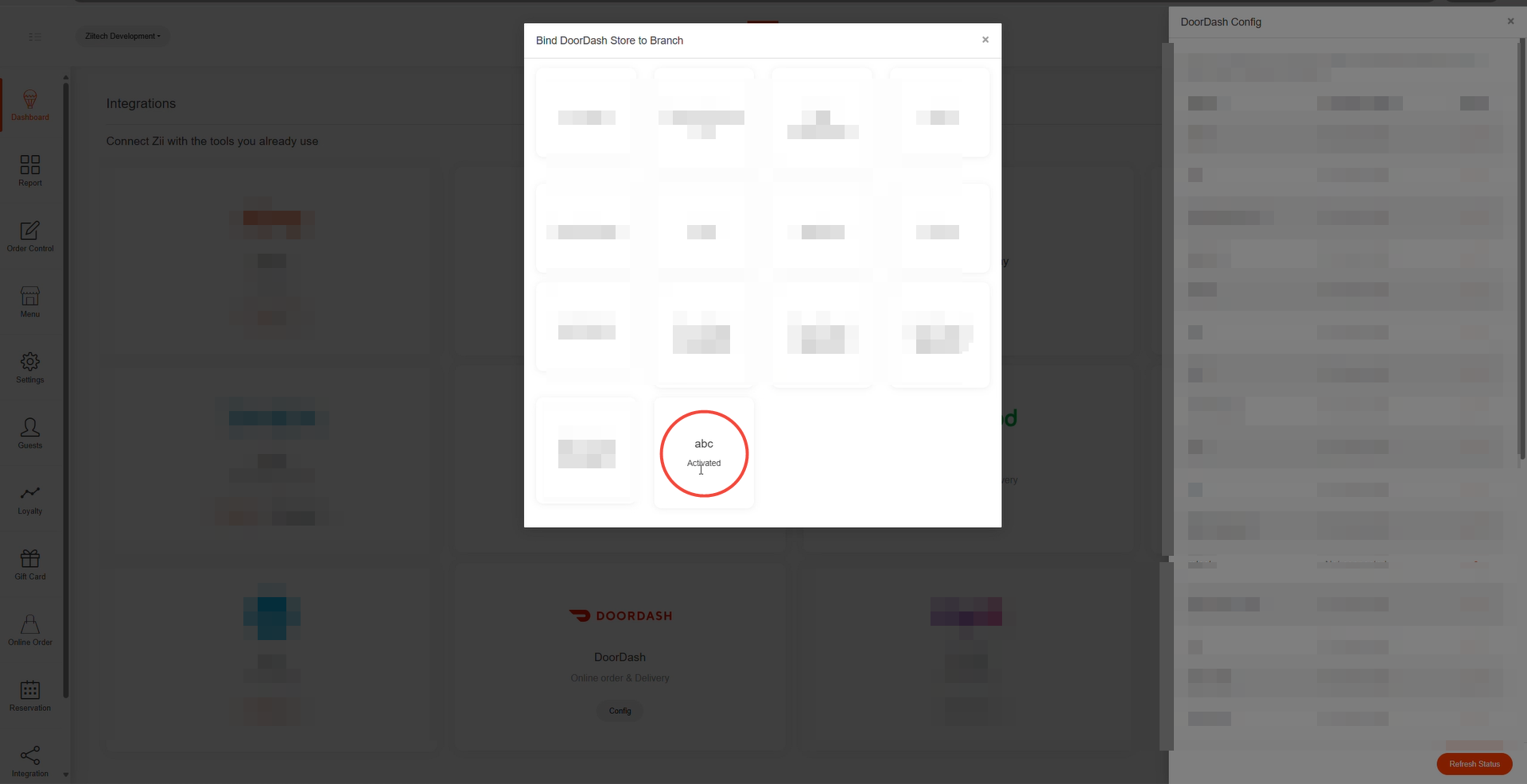
And you will see “Activated” marked in the block.
Then you may sync your menu to DoorDash.